RECENTLY UPDATED / (SHANGHAI TIME)

LIN YUEJI / ARCHIVE

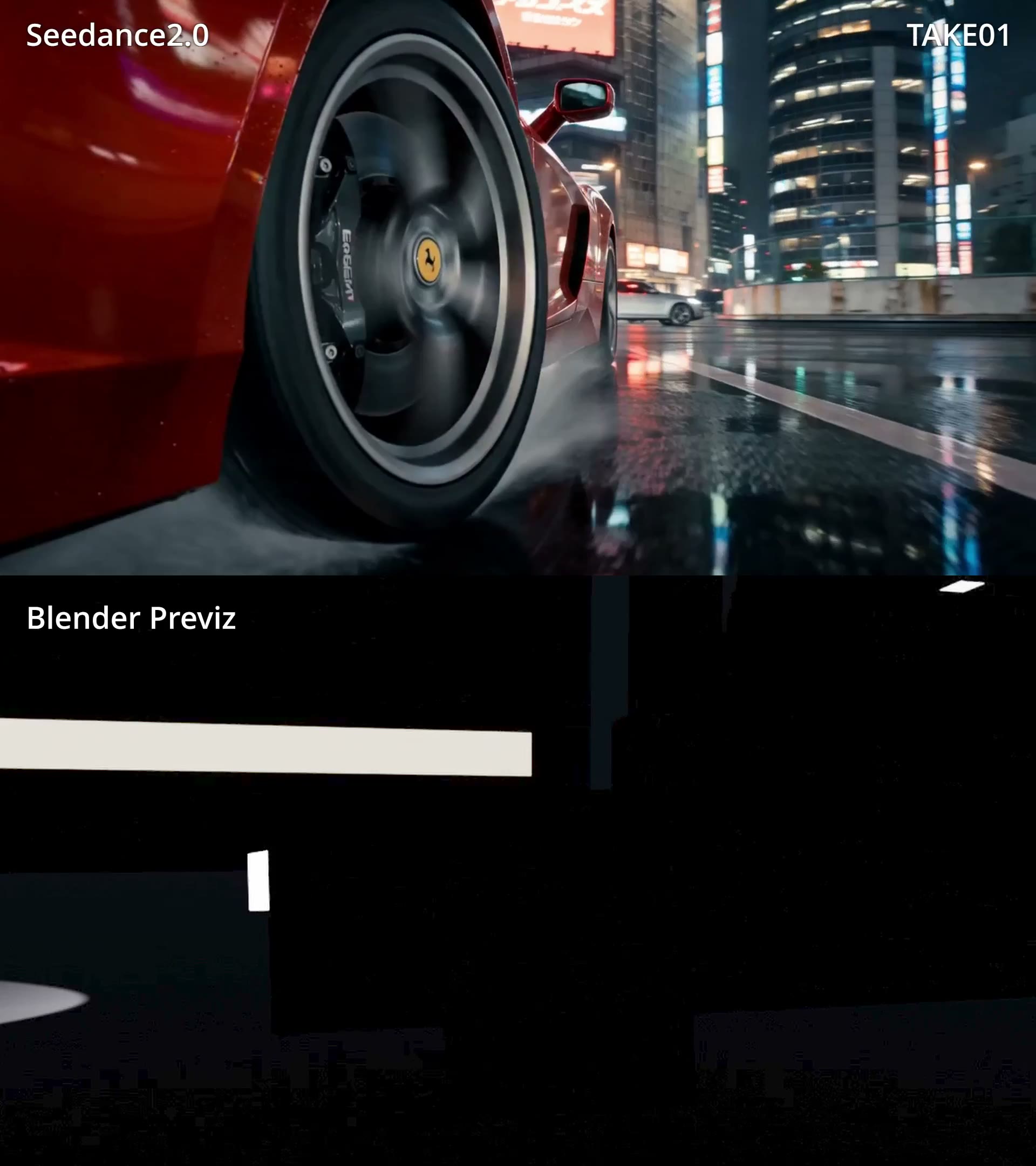
Blender Workflow: Direct Seedance with 3D Previs

From gray-box scenes and camera paths to action blocking: see how real creators use Blender to move from describing a shot to directing it.

39 REAL CASES6 WORKFLOW FAMILIESPLAYABLE VIDEO

WHY BLENDER / 01

Prompts describe the shot. Blender directs it.

This collection keeps successful methods beside their limits. Lock space, timing, and camera movement in gray-box previs, then let Seedance resolve style and detail.

39source-audited cases
6workflow families from previs to debugging
3English, Chinese, and Japanese

CORE WORKFLOW / 02

A reusable four-step workflow

The tools vary across cases, but the control loop compresses into four repeatable steps.

  1. 01

    Gray-box in Blender

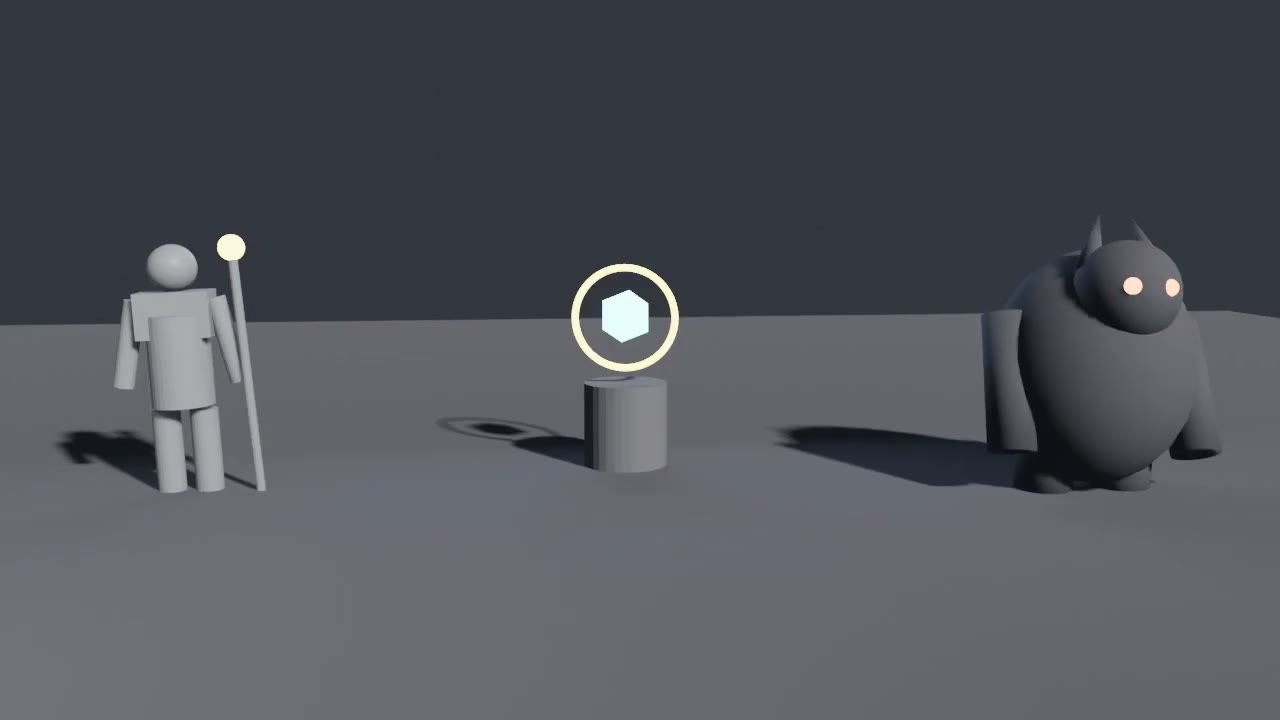
    Use basic geometry to define subjects, environment, spatial relationships, and composition before detail work.

  2. 02

    Block camera and action

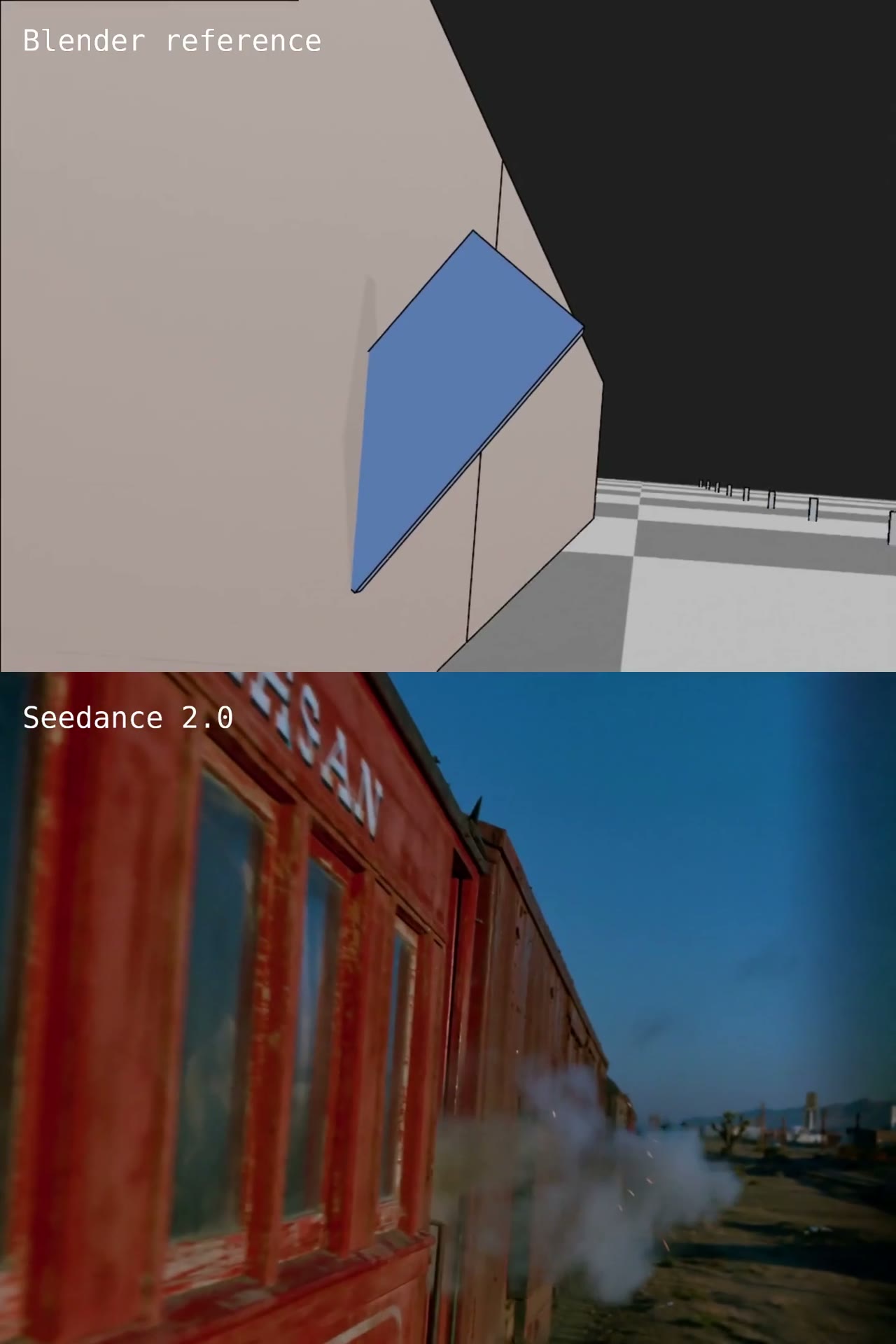
    Turn camera paths, timing, speed, handheld motion, and character positions into testable previs.

  3. 03

    Export references

    Render the Blender previs, then add a start frame or character sheet when the look also needs control.

  4. 04

    Generate in Seedance

    Let video guide motion and camera, let images guide appearance, then simplify proxies or iterate where the transfer drifts.

REAL CREATOR CASES / 03

39 Blender workflow cases

Filter by workflow and select a cover to load its video. Every case preserves creator attribution and the original source.

FILTER BY WORKFLOW

39 cases

CASE 01Demo
Camera Control & Previs

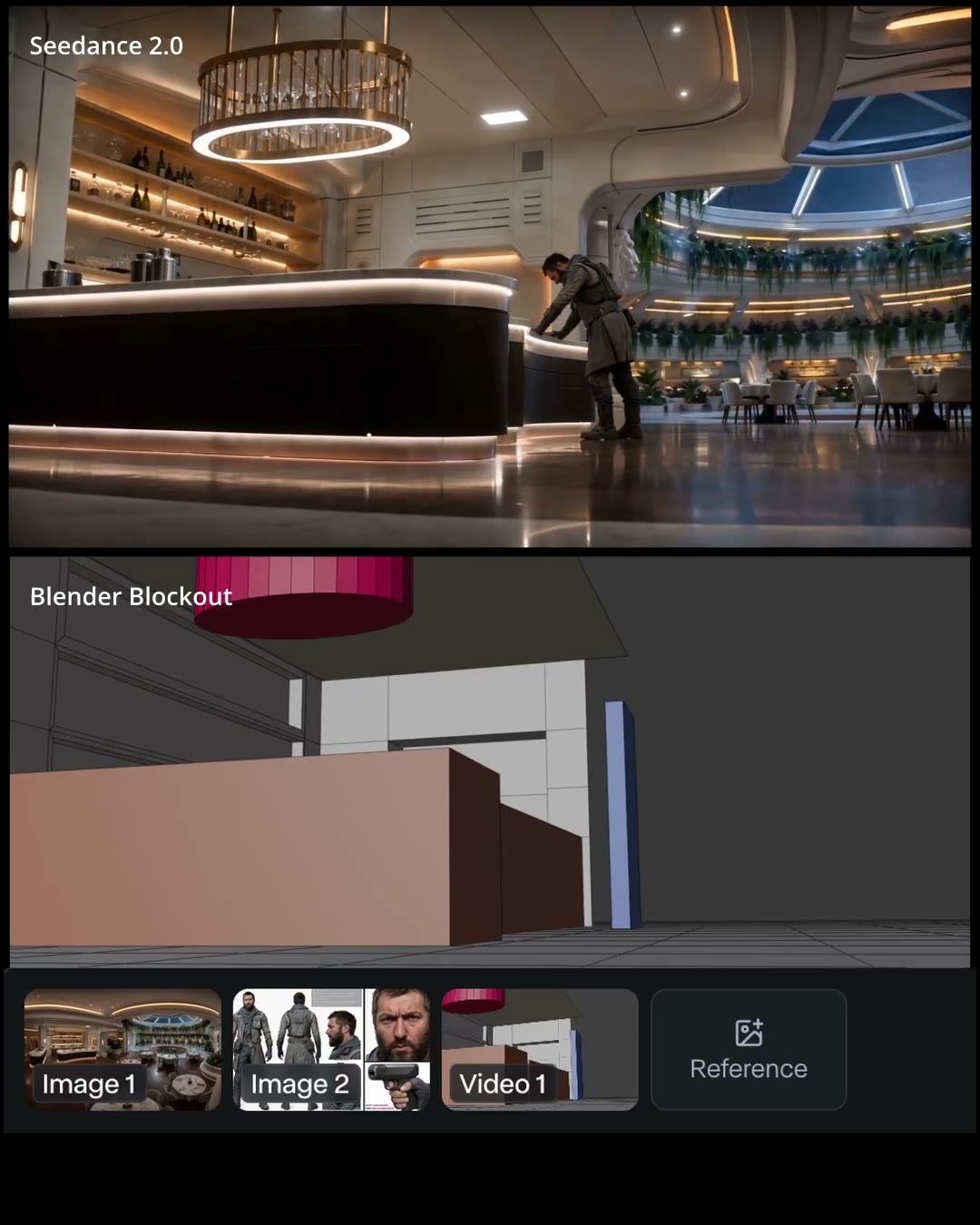
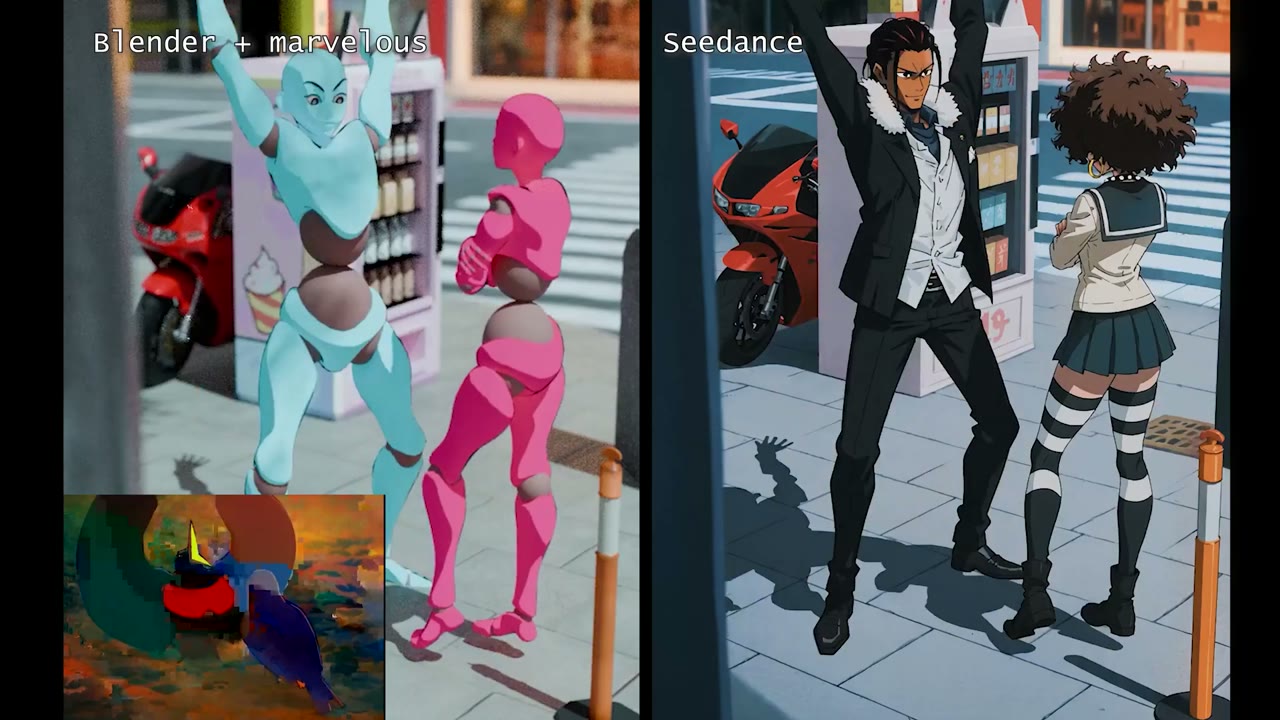
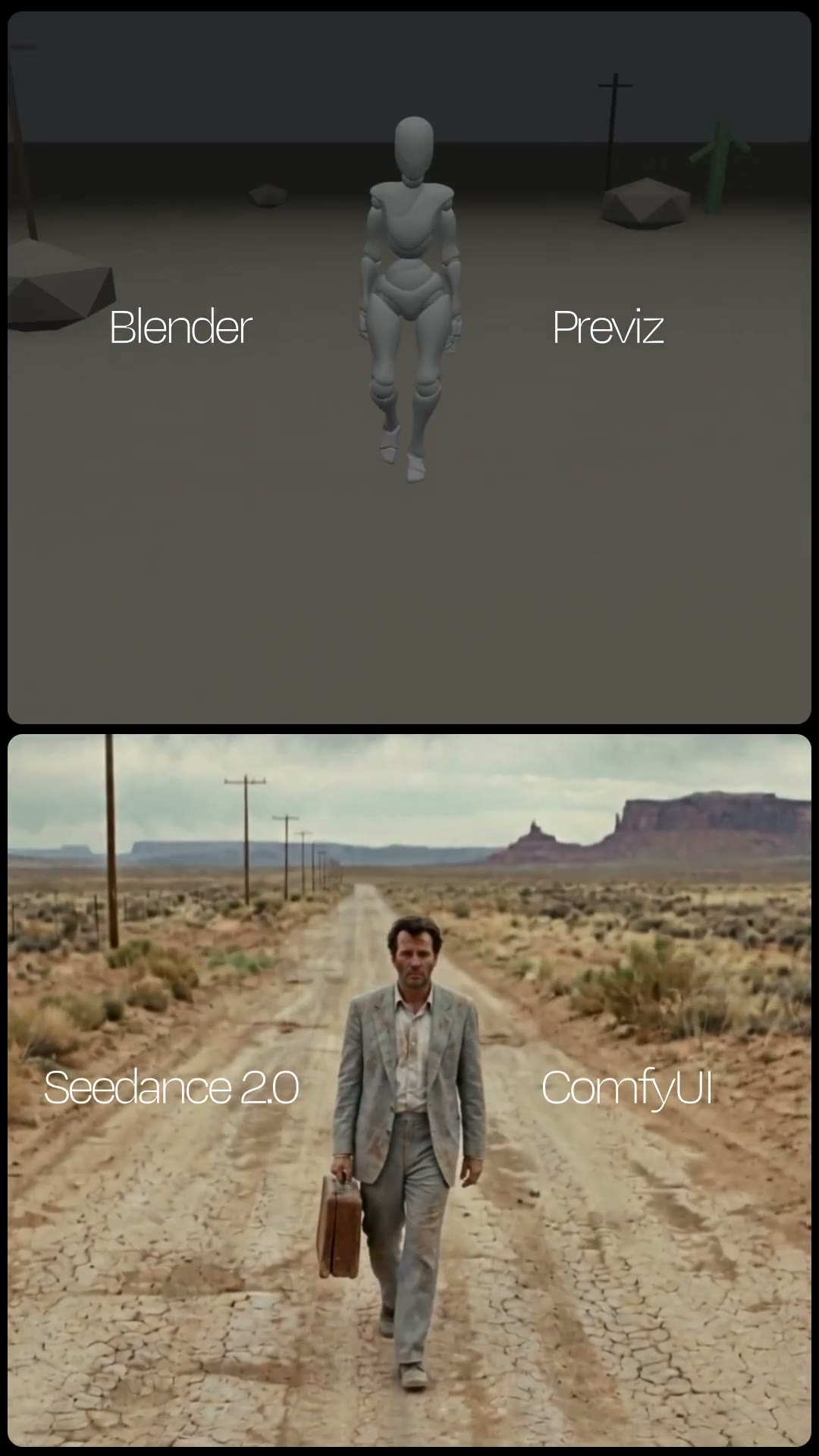
Blender Blockout as Seedance Motion Reference

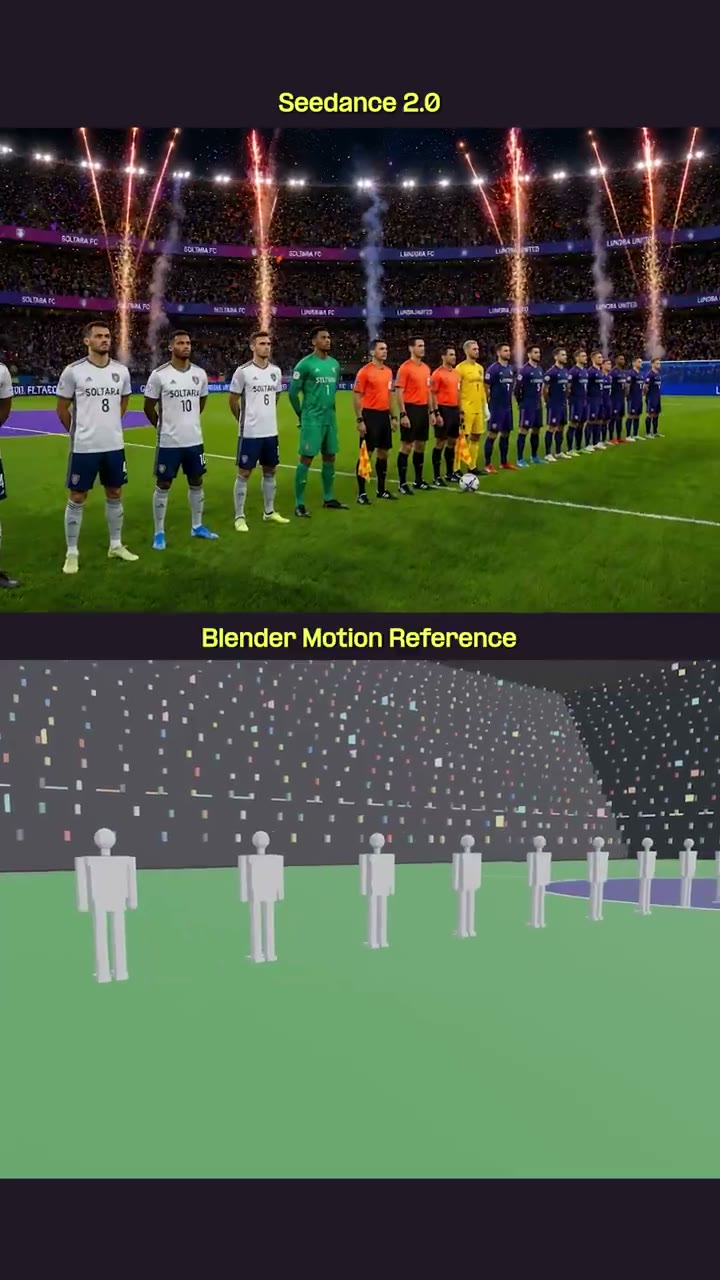
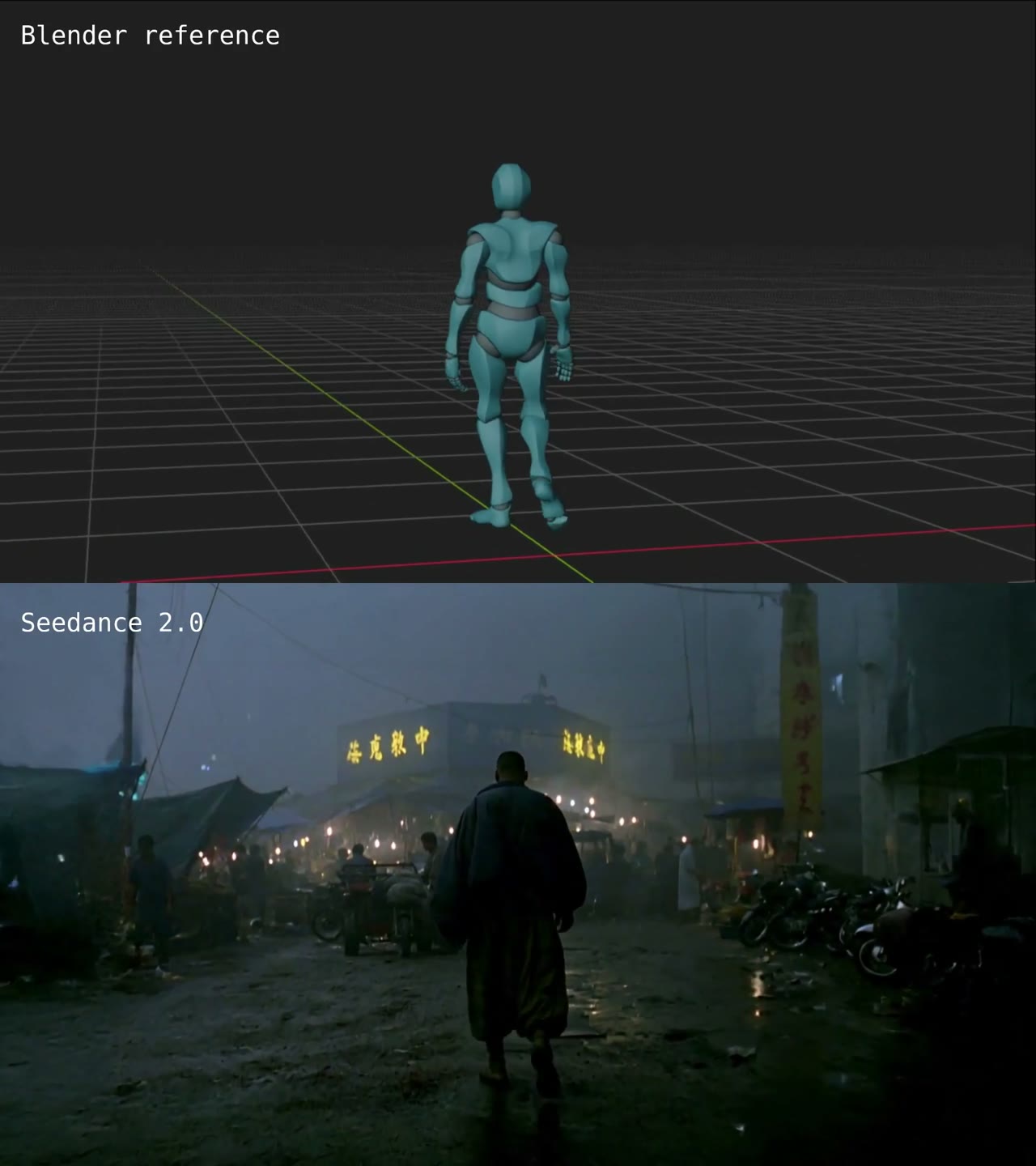
A merged direction workflow: use the full gray-box method from the original case, then push it into action-previs timing, speed, shake, and spatial choreography before Seedance generation.
CASE 02Demo
Camera Control & Previs

Camera Blocking with Midjourney Start Frame

A compact precision-camera recipe: Blender supplies the camera move, Midjourney supplies the start frame, and Seedance follows the motion reference.

CASE 03Demo
Camera Control & Previs

ComfyUI Camera Control with Blender Previs

A ComfyUI control case where Blender previz is combined with separate upright and upside-down reference frames to test motion adherence.

CASE 04Demo
Camera Control & Previs

Viewport Preview to Realistic Start Frame

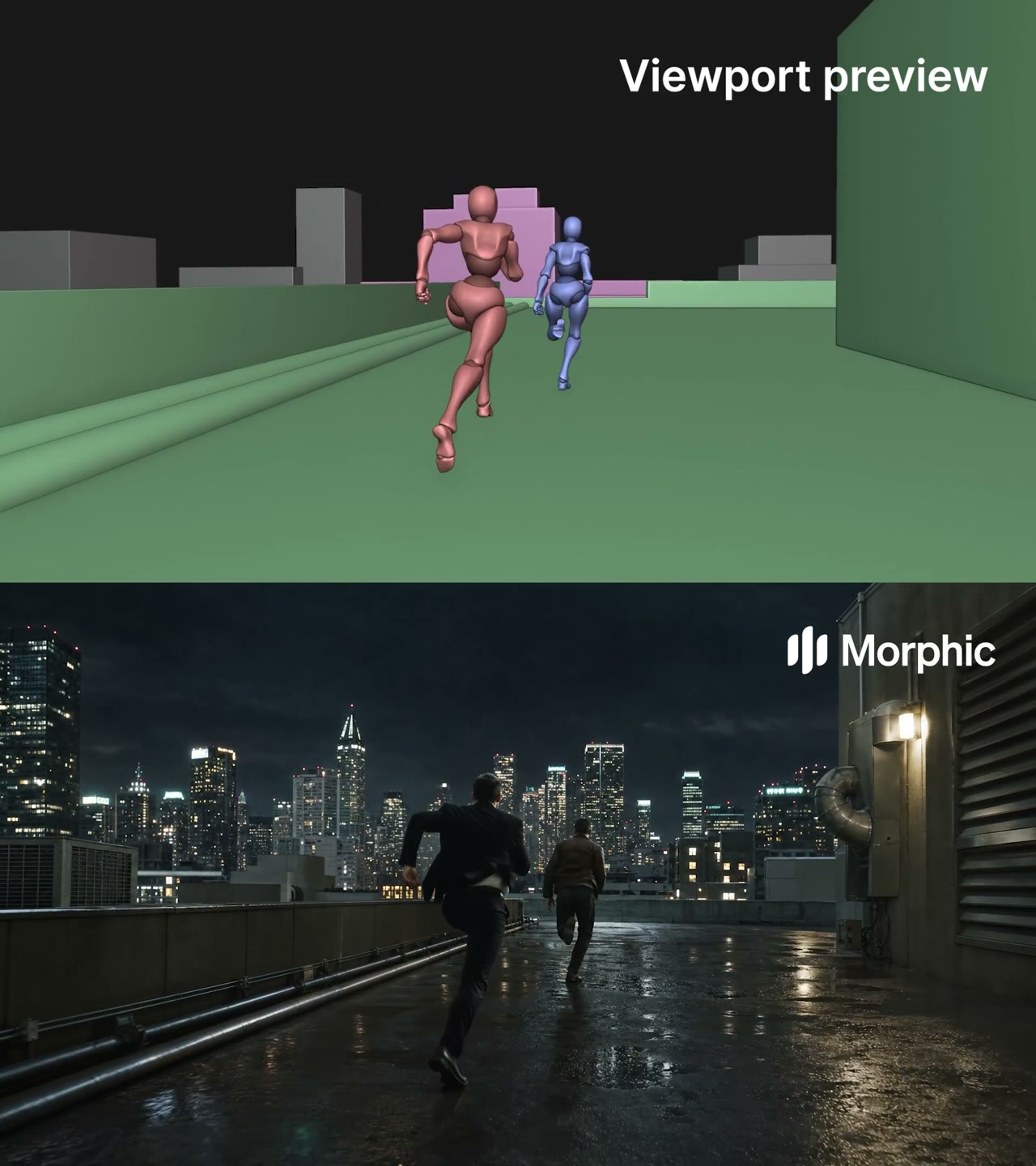
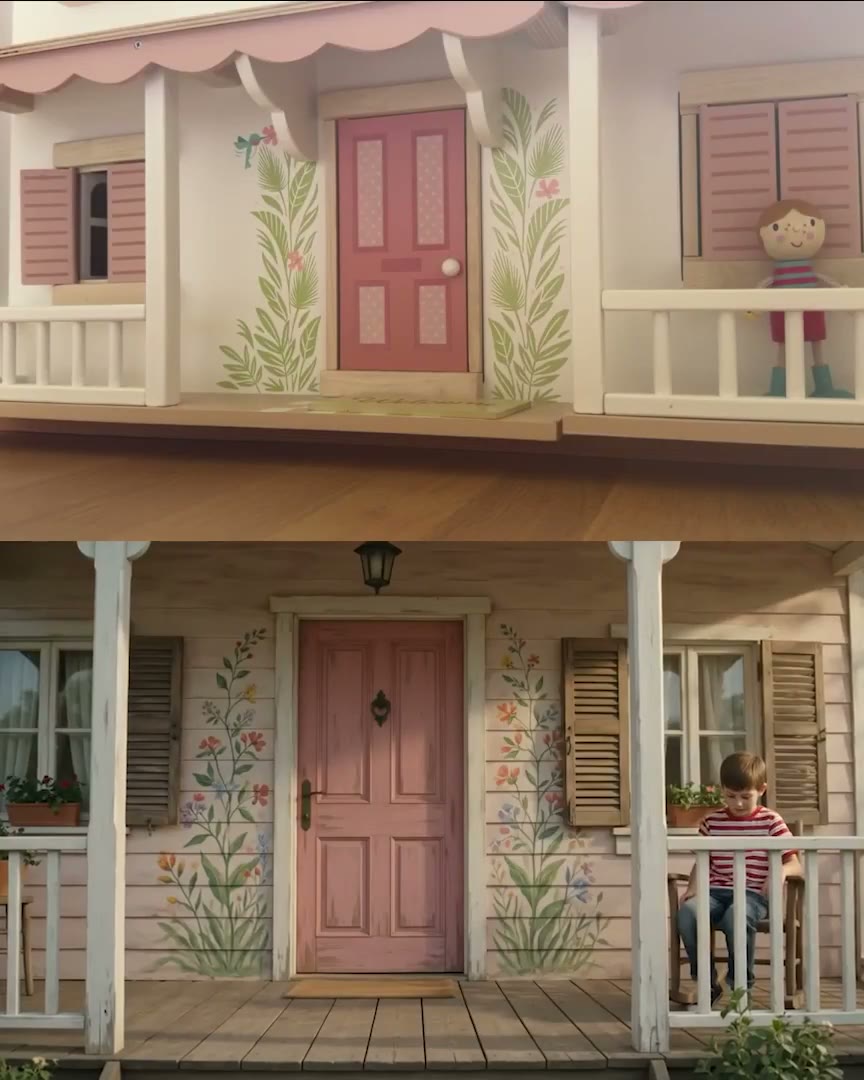
A short viewport-preview tutorial: block out the scene, export the preview, turn the first frame realistic, then provide both references to Seedance.

CASE 05Demo
Camera Control & Previs

One Reference Video, Multiple Worlds

A style/world-variation case where the same Blender reference video drives different generated worlds in Seedance.

CASE 06Demo
Character & Action Blocking

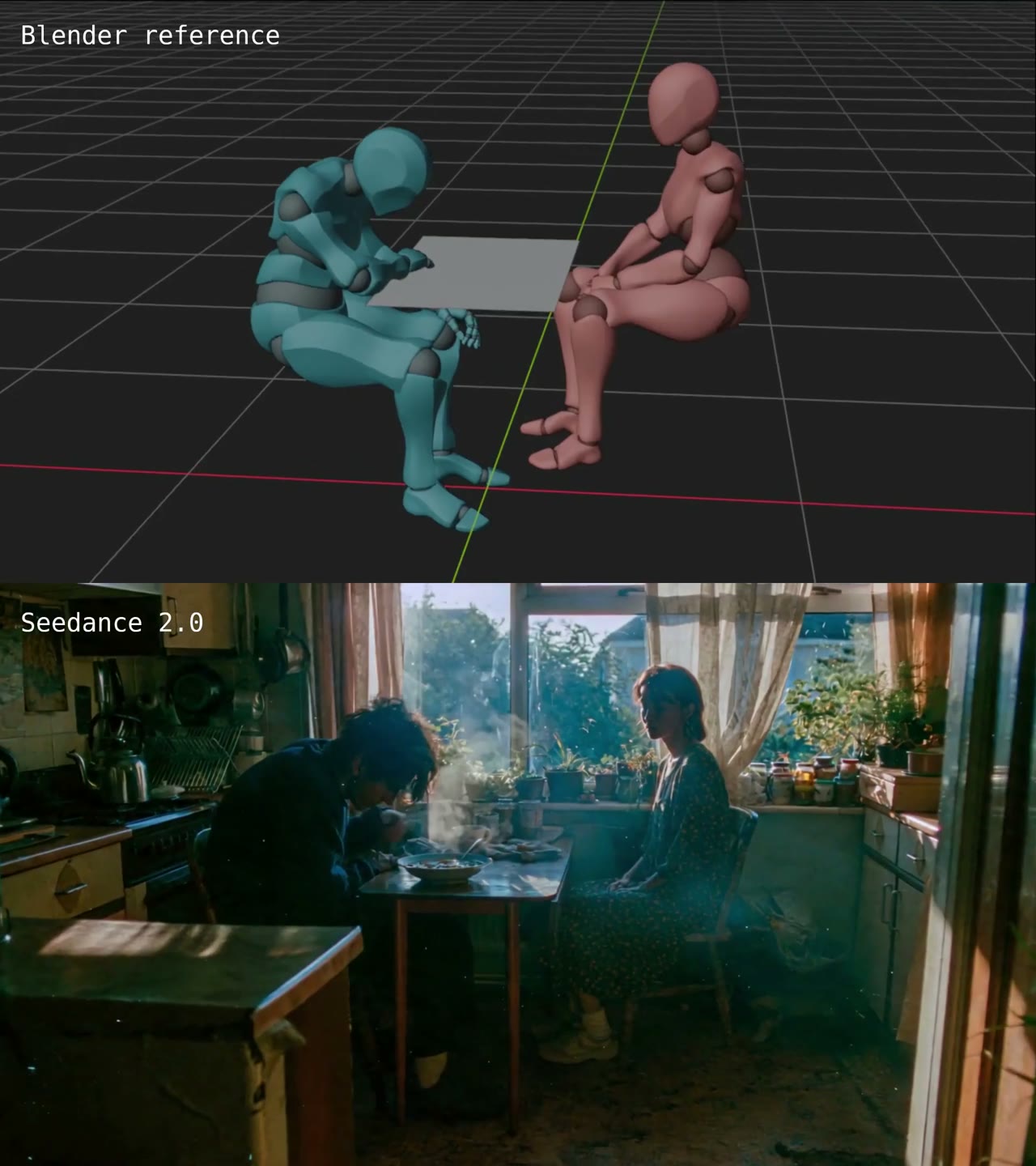
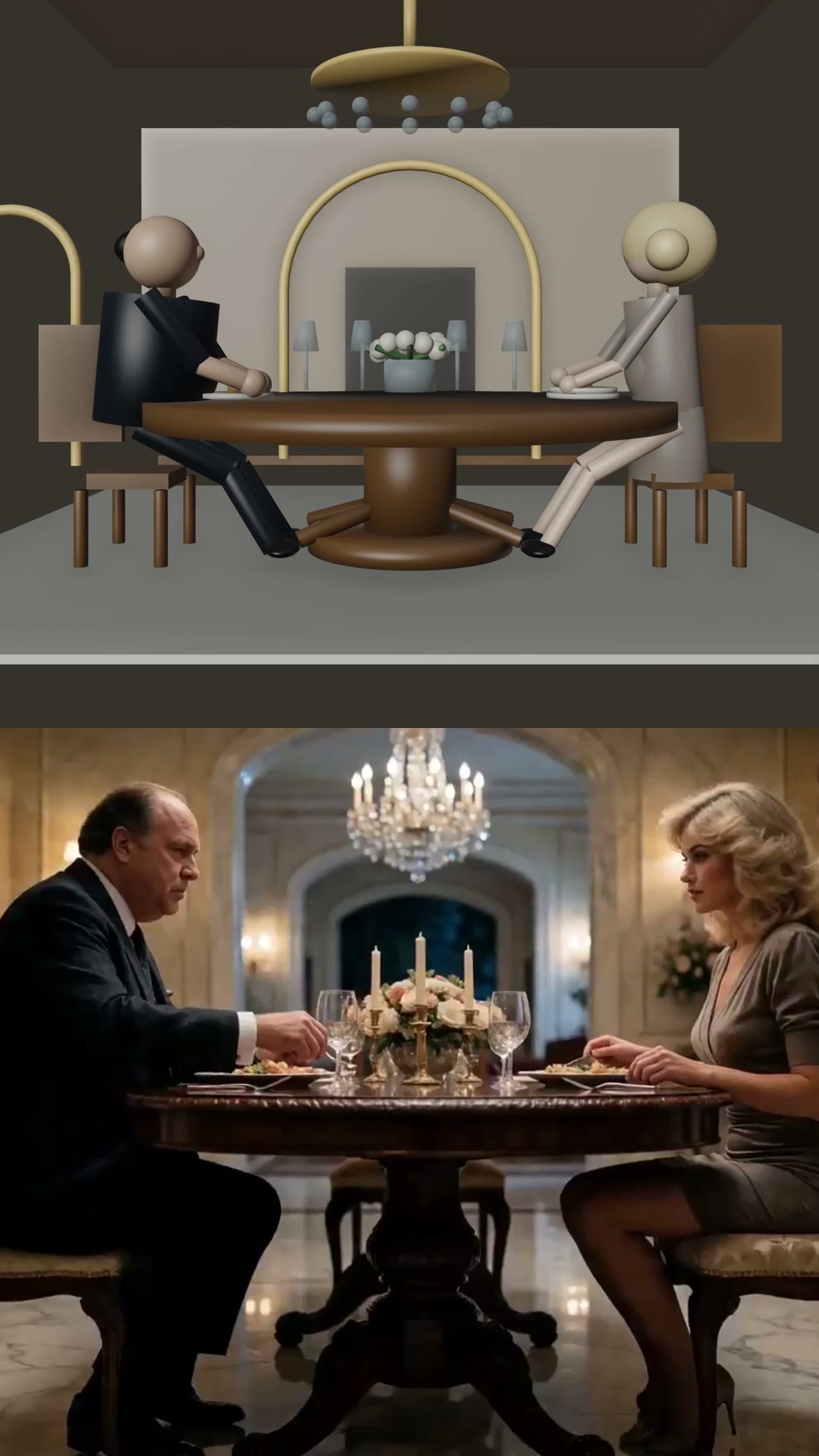
Multi-Character Dialogue with Matched Poses

A dialogue-shot workflow where Blender is used to match character poses and camera motion before Seedance generates the performed scene.

The source video preview is no longer available
CASE 08Demo
Character & Action Blocking

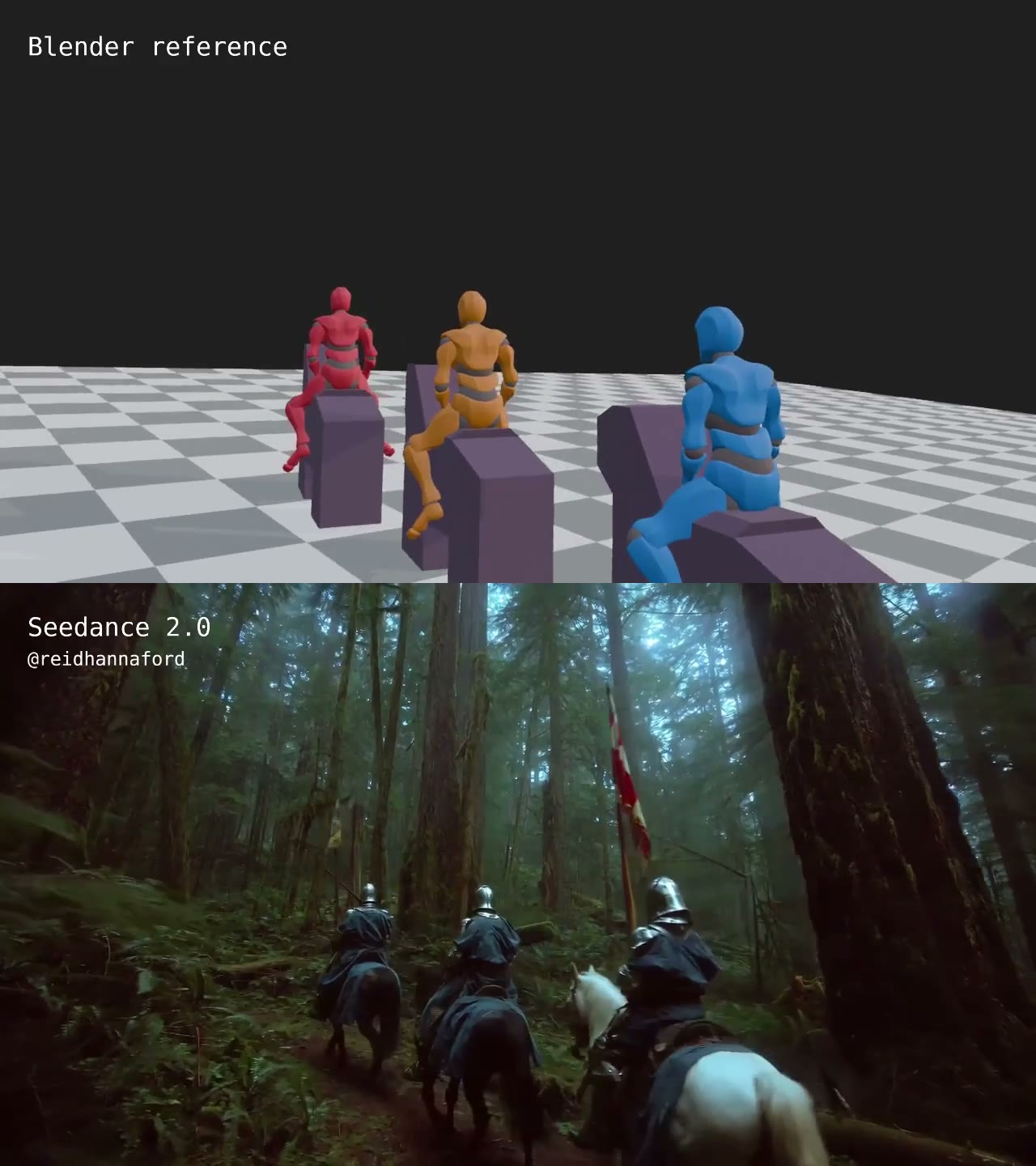
Handheld Follow Camera through Space

A handheld-follow case where Blender controls how a character travels through space and Seedance carries the gritty camera move into the final video.

CASE 09Demo
Character & Action Blocking

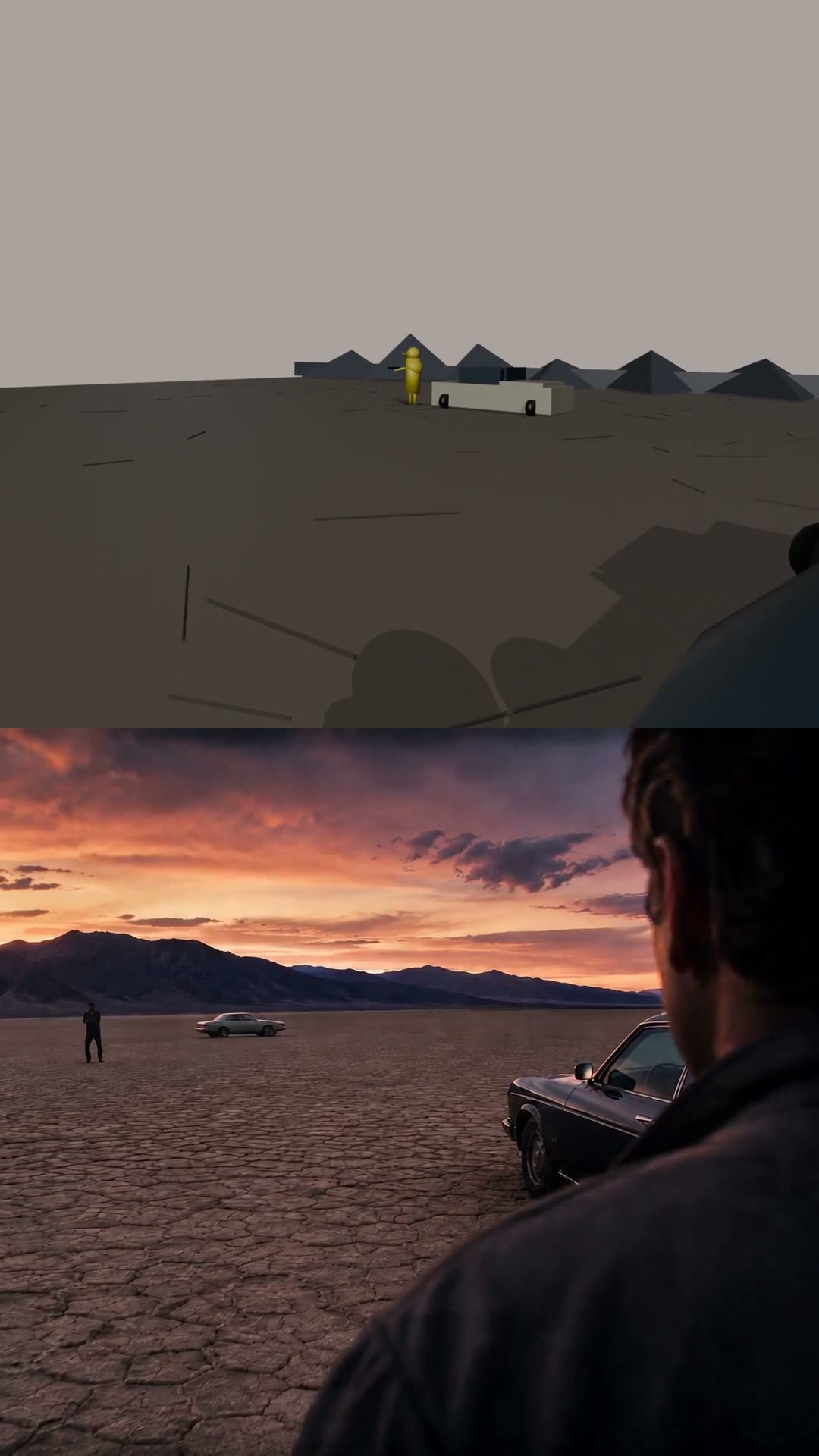
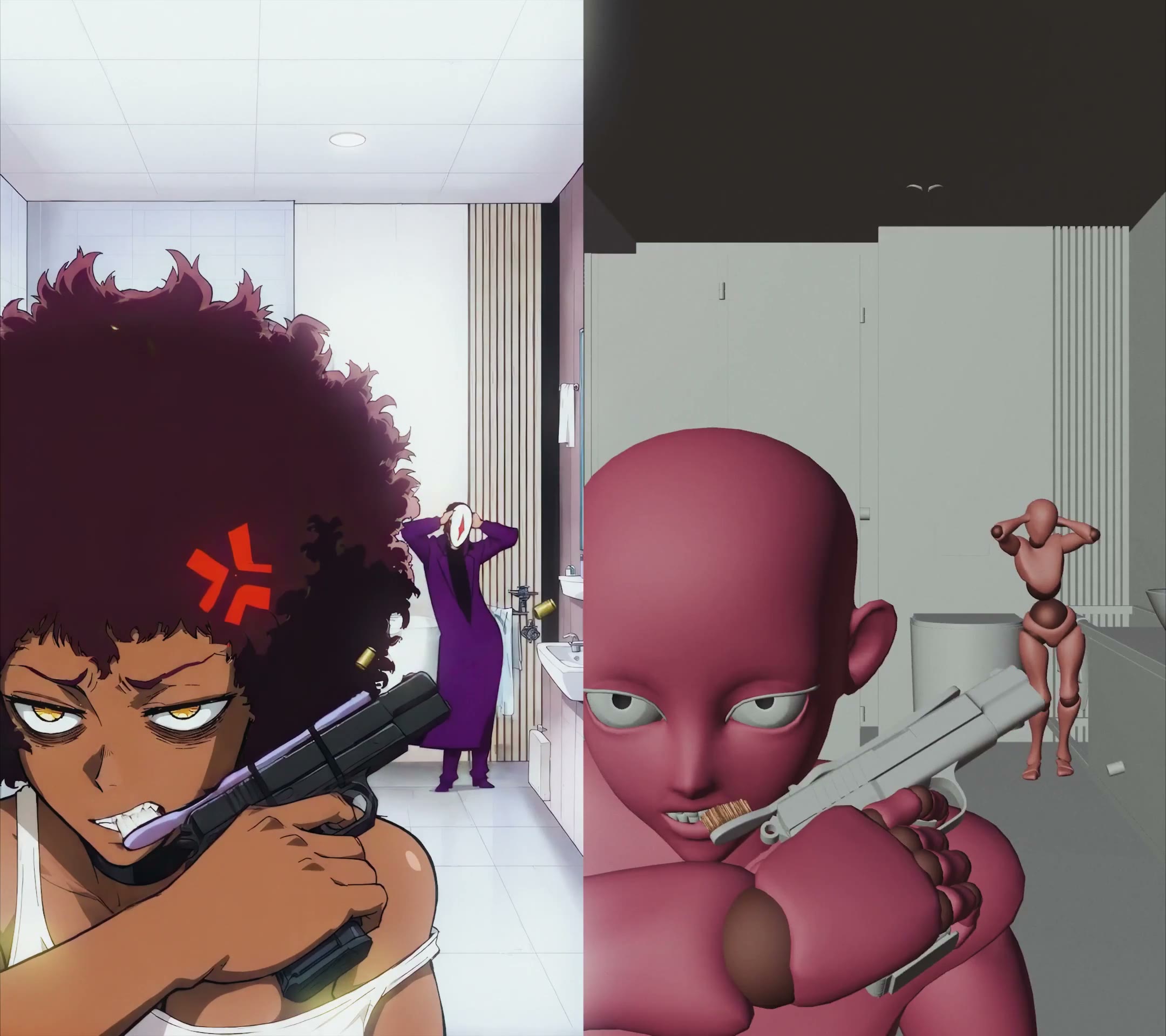
Camera and Character Blocking for Tactical Action

A tactical blocking case where Blender directs camera orbit, lens choice, cover positions, gunfire beats, and character movement before generation.
CASE 10Integration
Agentic Blender MCP

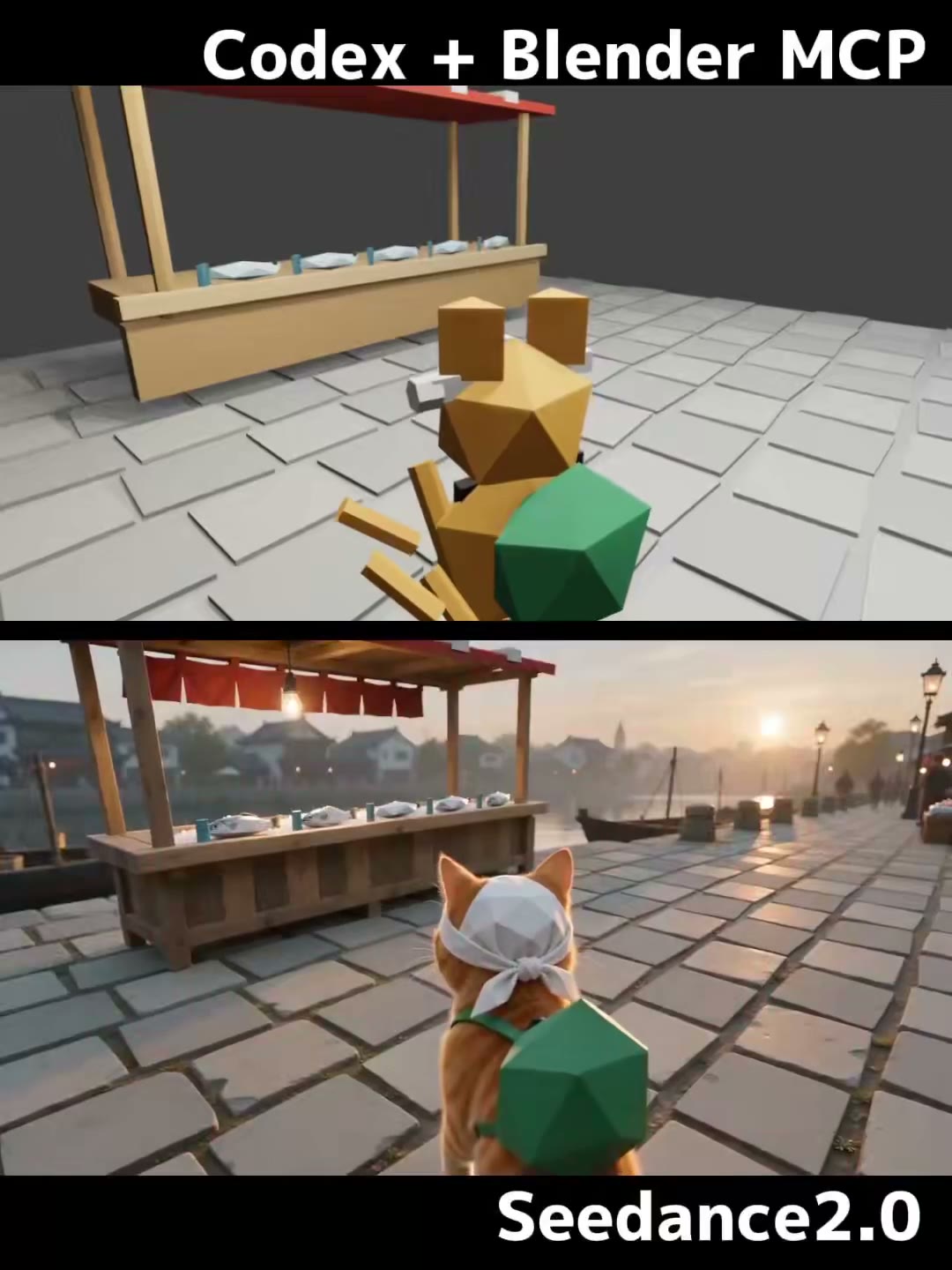
Codex + Blender MCP Reference Video Workflow

An agentic Blender MCP case where Codex builds a simple 3D market, cat motion, camera framing, and an MP4 reference for Seedance.

CASE 11Integration
Agentic Blender MCP

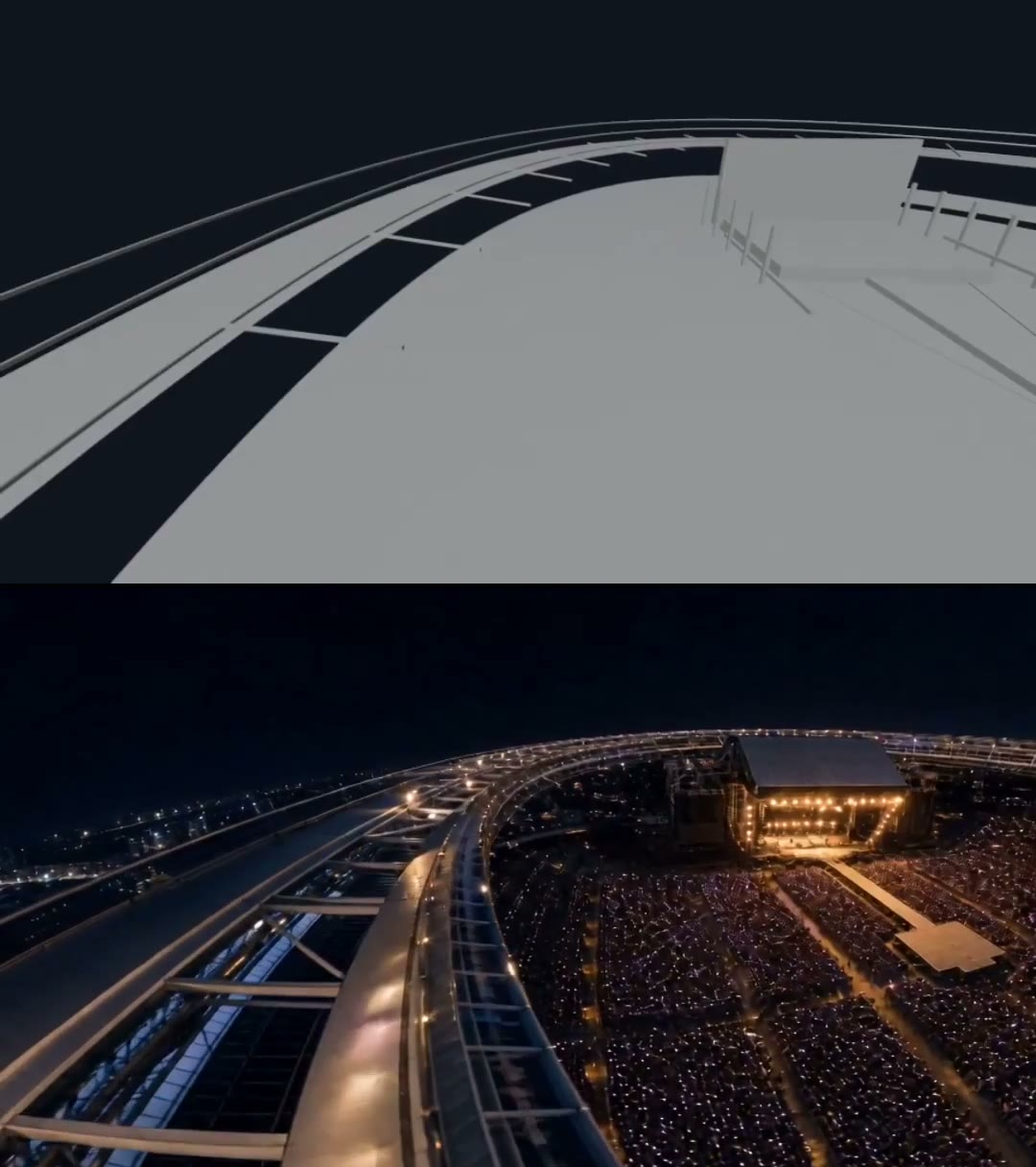
Codex-Built Architecture and Camera Work

A Codex-assisted beginner case where architecture and camera work are generated in Blender and then tested as Seedance reference motion.

CASE 13Tutorial
Reference & Multi-Input Mapping

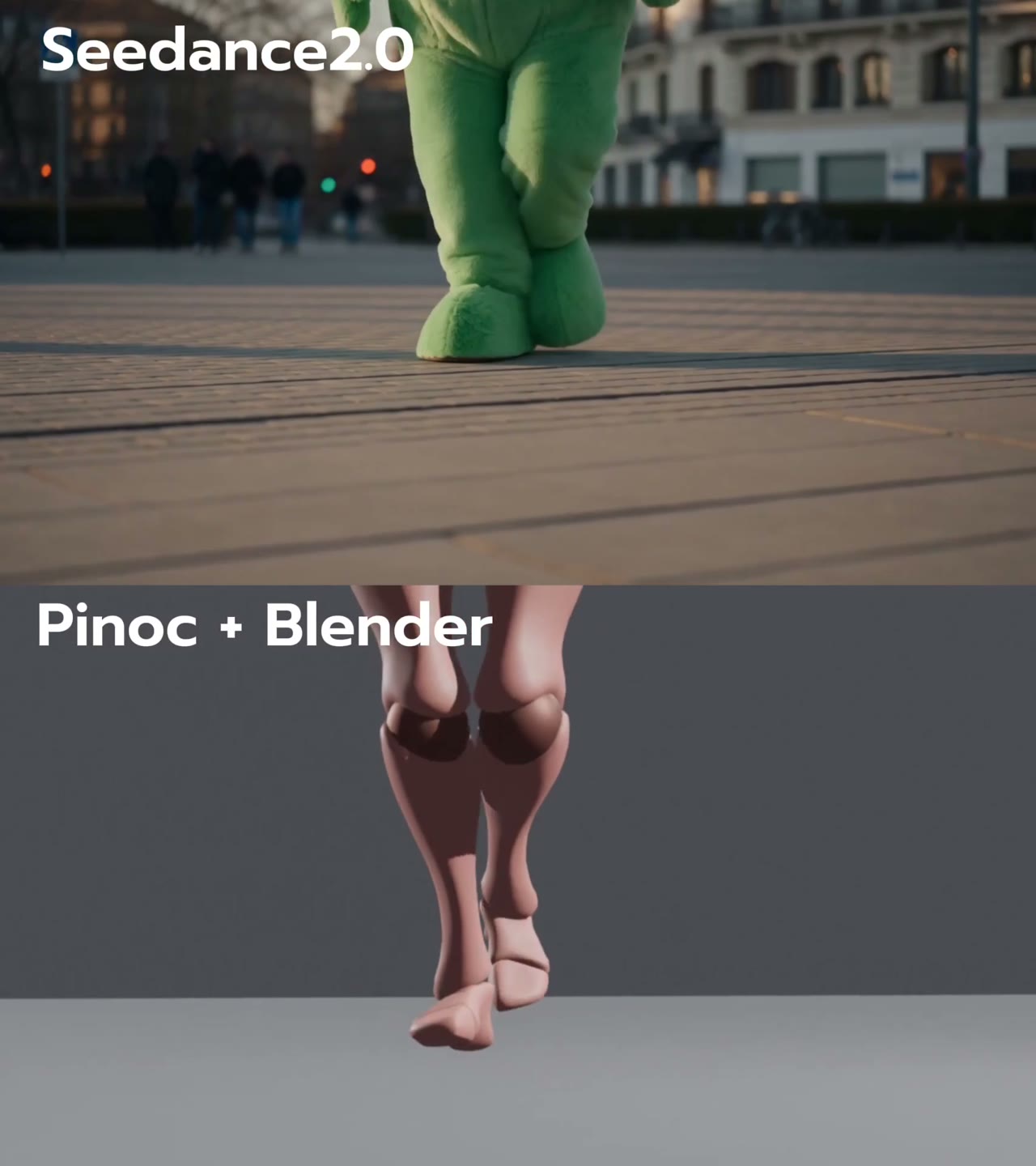
Reproducible Seedance Prompt with Blender Reference

A merged reproducibility and troubleshooting case: the setup spells out the reference-video conditions, while the paired test records where camera/rhythm control worked and foot motion failed.

CASE 14Tutorial
Reference & Multi-Input Mapping

Mixamo Motion as Beginner Blender Reference

A beginner-friendly motion-source case: use Mixamo motion in Blender as the controllable movement base before sending the reference to Seedance.

CASE 15Integration
Production Pipelines

Hermes, Krea, ComfyUI and Blender MCP Stack

A multi-tool agent pipeline where Hermes installs and connects Krea, ComfyUI, Blender MCP, and Seedance to produce both image and physical references.

CASE 16Integration
Production Pipelines

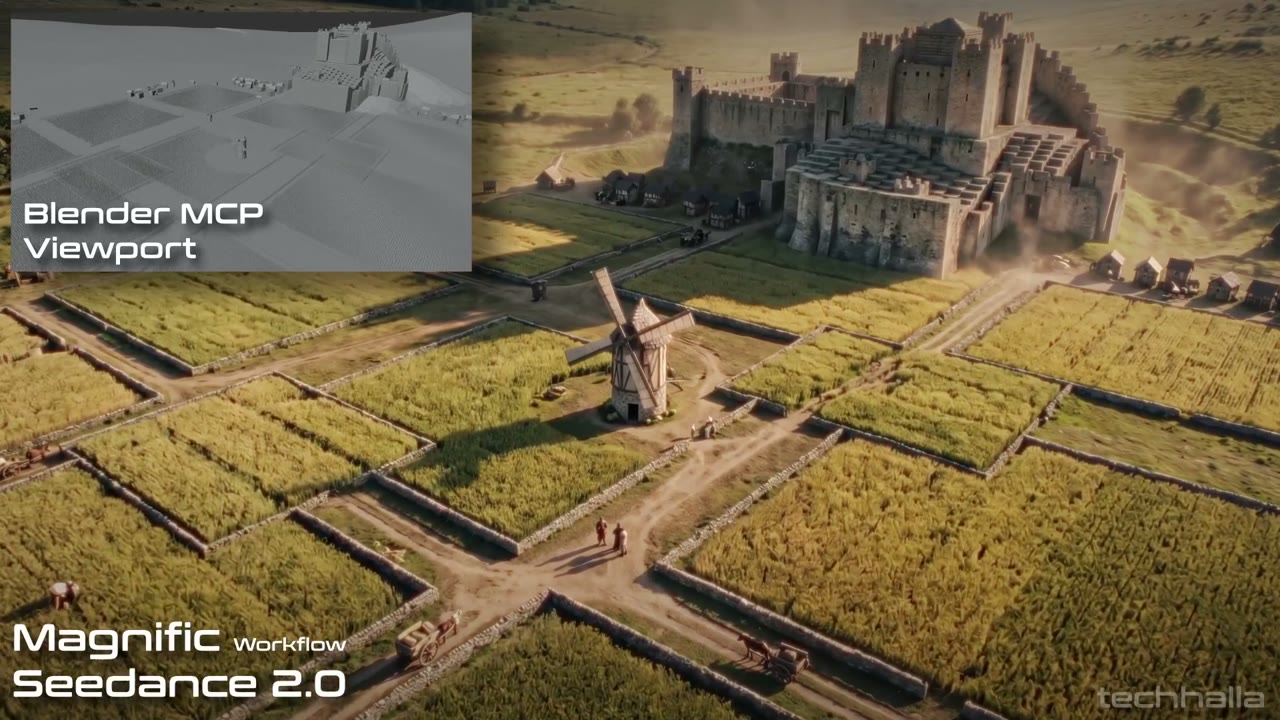
Blender MCP Viewport to Seedance Style Transfer

A viewport-to-style-transfer case: Blender MCP provides camera and element control, then Seedance/Magnific add texture and lighting.

CASE 17Integration
Production Pipelines

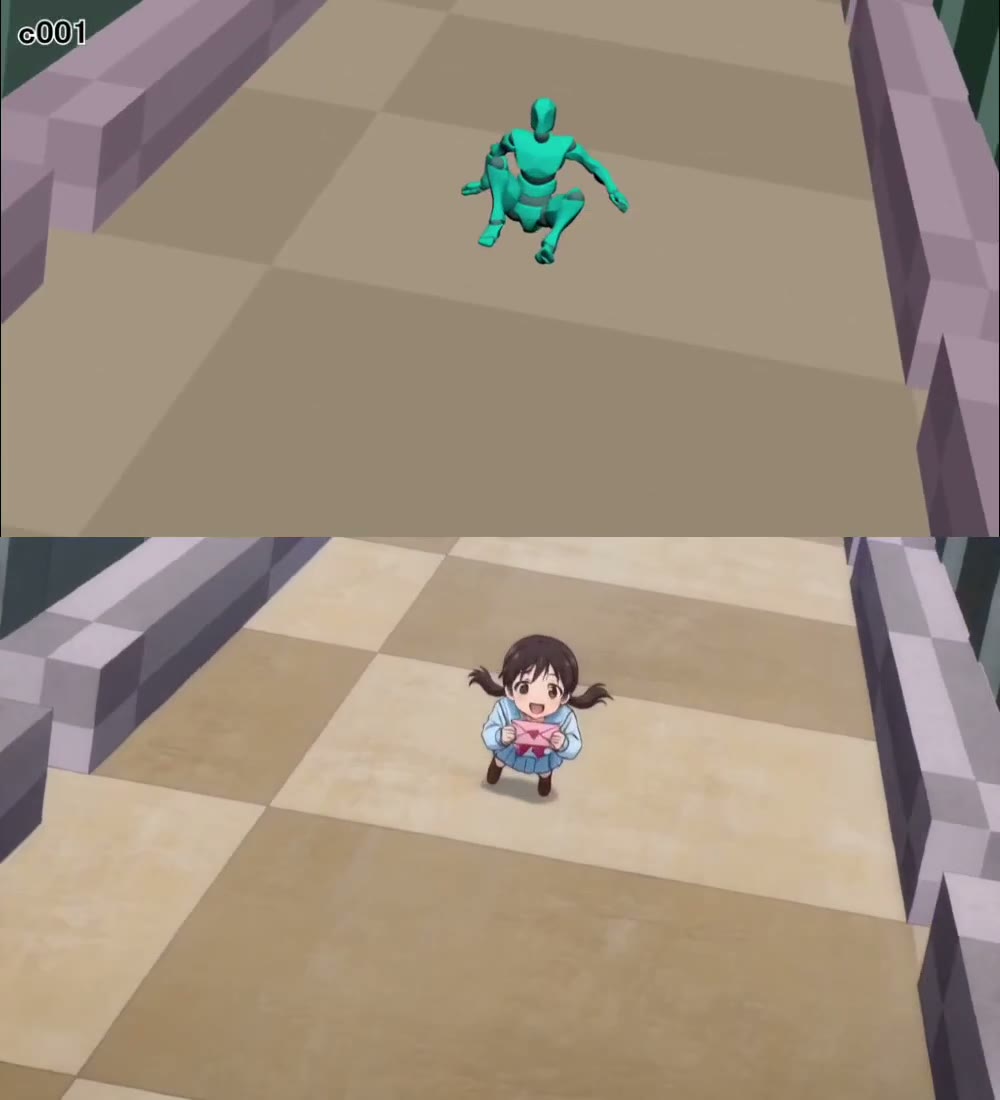
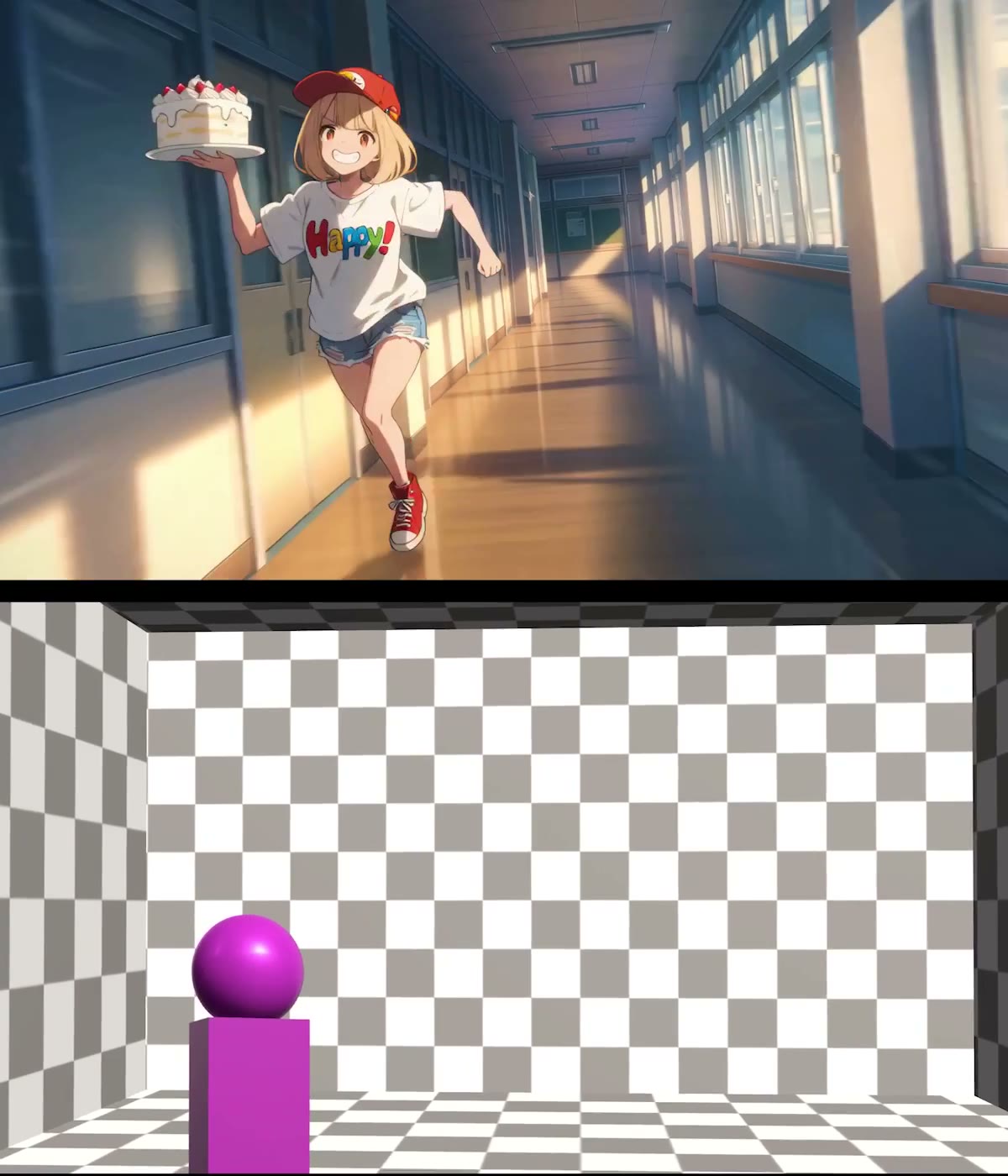
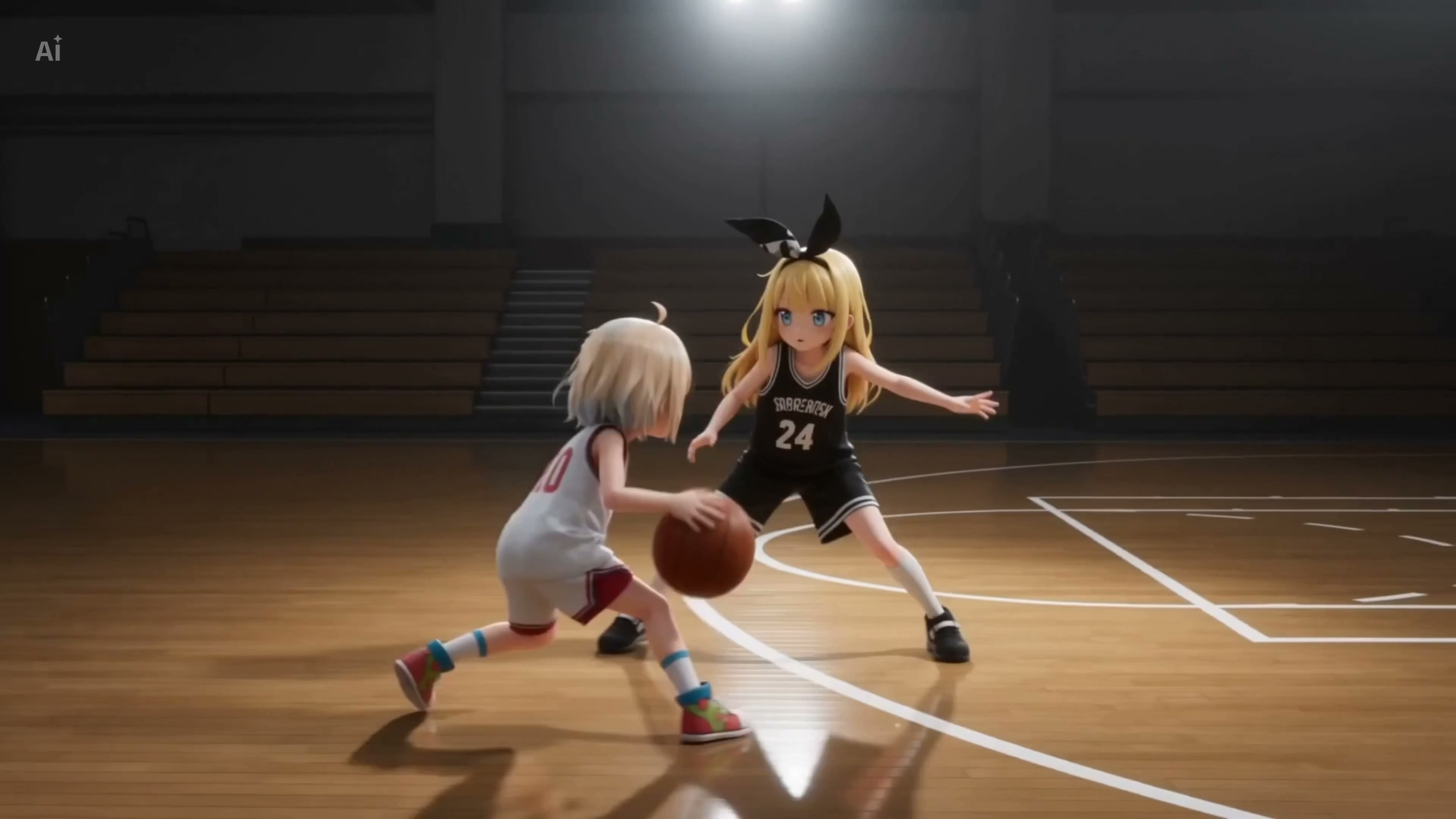
Blender Previz to Anime Seedance Render

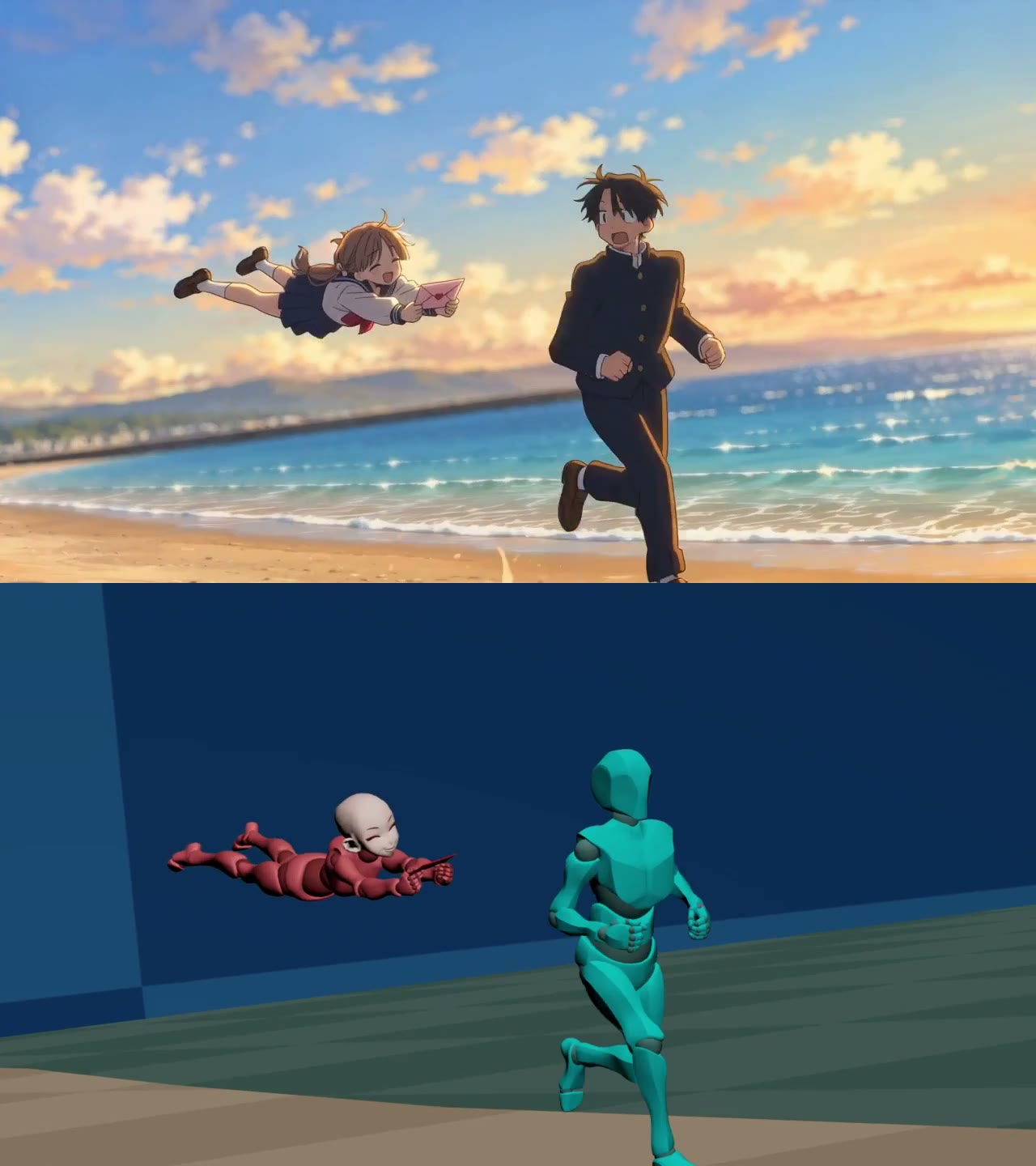
A 3D-previs-to-anime case showing how camera moves and motion can be preserved while Seedance changes the render style.

CASE 18Integration
Production Pipelines

FBX Clay Pass with Claude-Keyframed Camera

An FBX clay-pass workflow where Blender imports the motion, Claude helps keyframe camera moves, and the rendered pass becomes Seedance reference video.

CASE 20Limit
Limits, Tests & Troubleshooting

Reference-Only Blender Blockout without Start Frame

A no-start-frame variant showing that Blender blockout plus detailed environment references can work when the workflow cannot rely on a starter frame.

CASE 21Demo
Character & Action Blocking

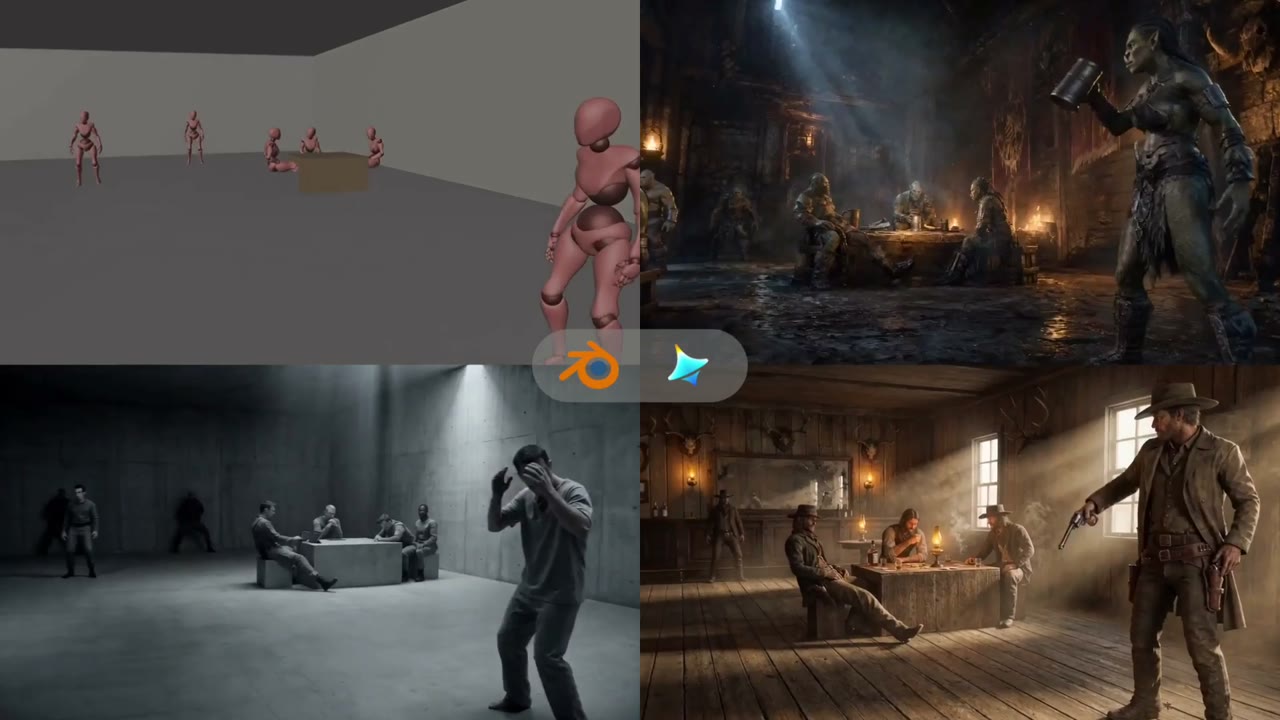
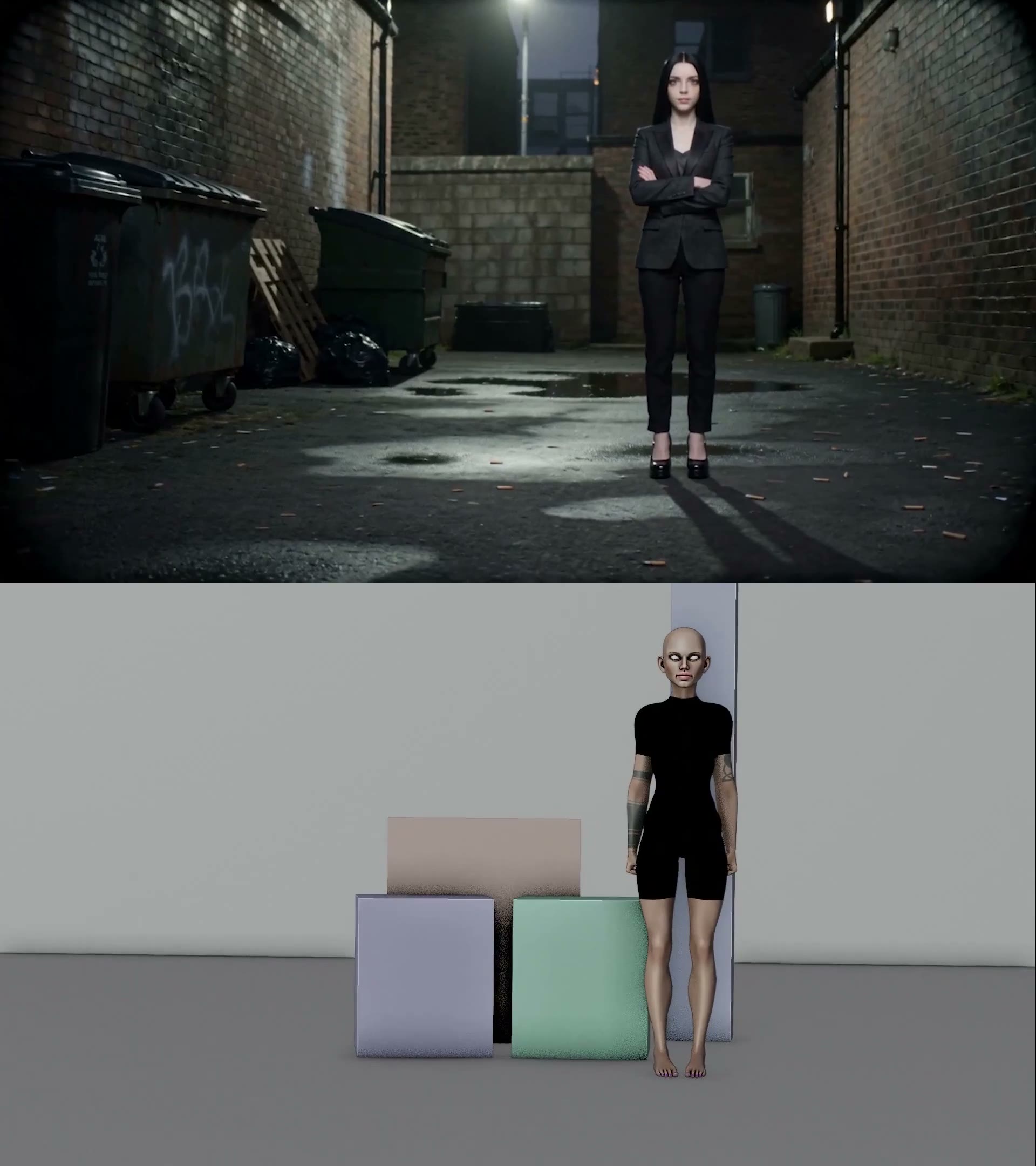
Ambush Scene Previs Beyond a Simple Camera Move

An ambush-scene case showing how Blender previs can solve staging, timing, and camera movement before Seedance generates the shot.

CASE 22Integration
Agentic Blender MCP

Claude-Built Blender MCP Previs in Minutes

A fast agentic-previs case where Claude uses Blender MCP to build a shot reference in two to three minutes.

CASE 23Tutorial
Reference & Multi-Input Mapping

Position-Only Reference Control for a Faster Scene

A reference-weighting case: keep the reference useful for positions while letting the prompt recover speed and dynamism.

CASE 24Demo
Reference & Multi-Input Mapping

Physical Toy Reference Instead of 3D Software

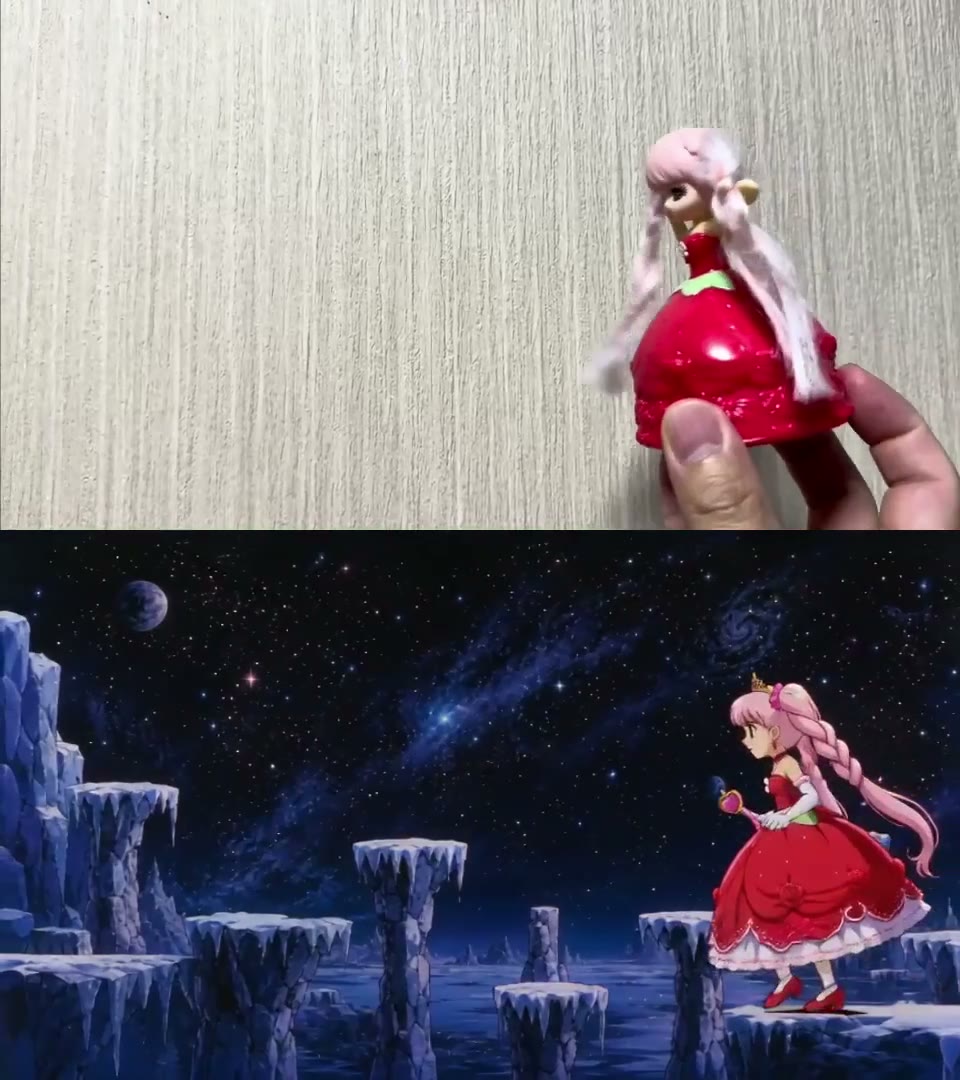
A physical-reference case: use toys as quick motion and staging references when opening Blender is too much overhead.

CASE 25Limit
Limits, Tests & Troubleshooting

Toy Reference Prompt Reinforcement and NG Example

A troubleshooting case showing why reference videos often need prompt reinforcement instead of raw imitation.

CASE 26Demo
Reference & Multi-Input Mapping

Reference Control for a Specific Failed Prompt Scene

A control fallback case: when prompt-only generation fails, use a reference to force the scene even if some dynamism is reduced.

CASE 27Tutorial
Reference & Multi-Input Mapping

Character Proportion and Simple Background Tips

A stability checklist case: match character proportions beyond height and simplify any background that does not need precise alignment.

CASE 28Limit
Limits, Tests & Troubleshooting

Cloth Physics Stress Test with Blender and Seedance

A cloth-physics stress test showing where Blender-guided Seedance can work but still needs iteration for difficult motion.

CASE 29Integration
Camera Control & Previs

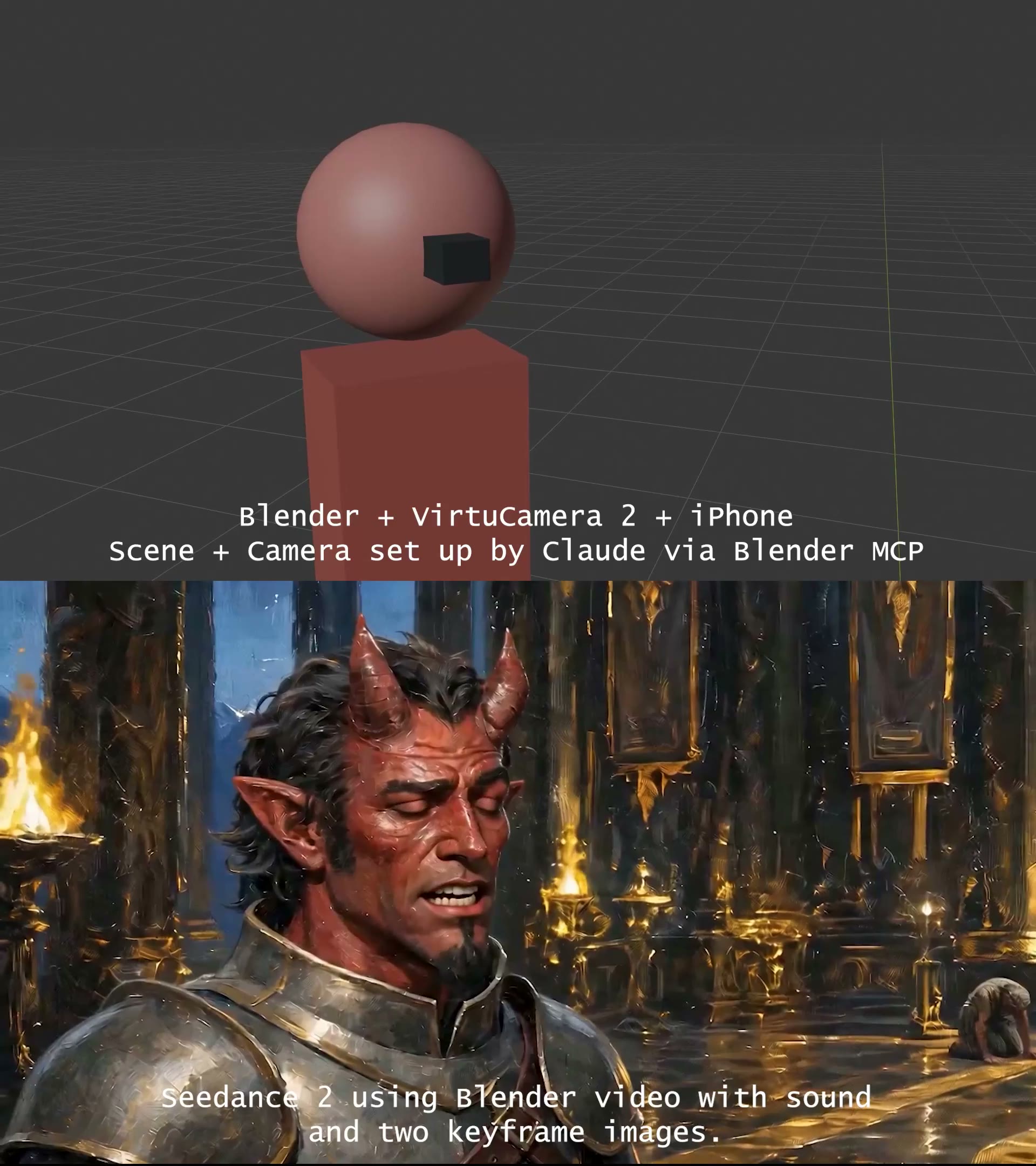
iPhone Camera Previs Timed to Dialog

Use an iPhone-driven Blender camera pass timed to dialog, then feed that audio-led previs plus two images into Seedance for shot planning.

CASE 30Integration
Production Pipelines

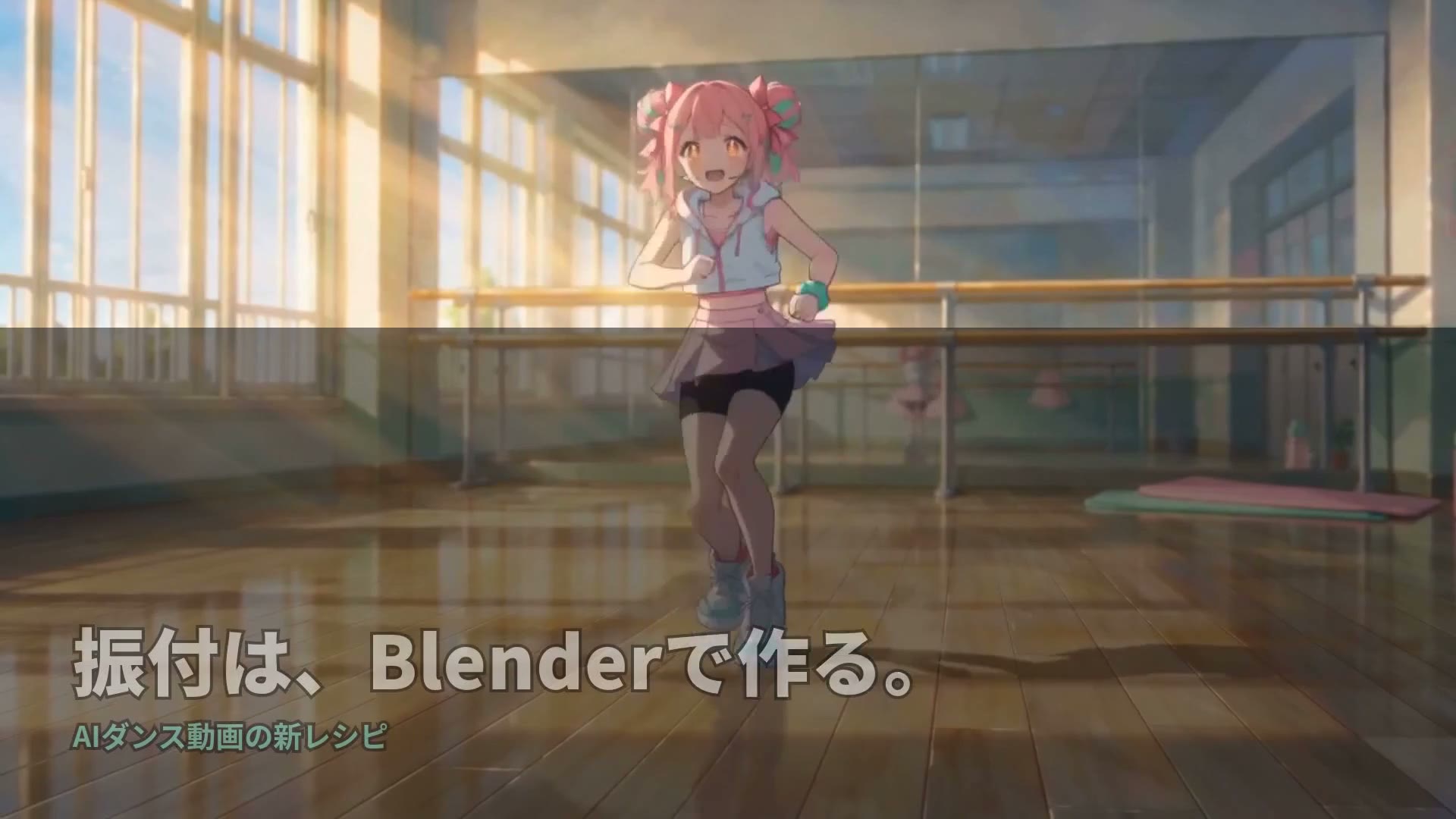
Fable-Orchestrated Dance Reference Pipeline

Let an agent design the character, generate the Blender choreography code, and pass the 15-second dance reference into Seedance when prompt-only motion is too coarse.

CASE 31Tutorial
Limits, Tests & Troubleshooting

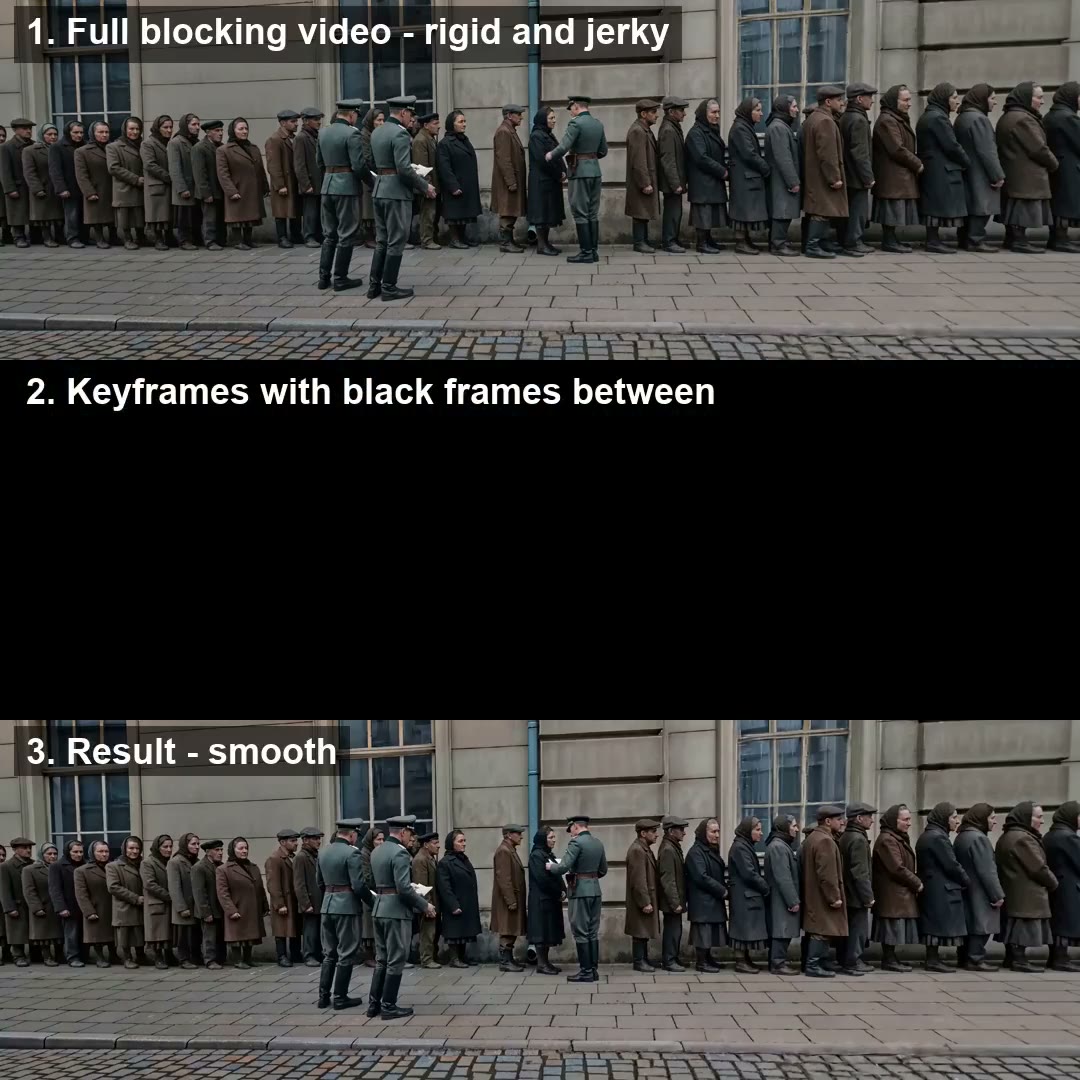
Black-Frame Keyframe Timing Fix

When a rough Blender reference makes Seedance copy robotic in-between motion, keep the key poses and black out the frames between them.

CASE 32Demo
Character & Action Blocking

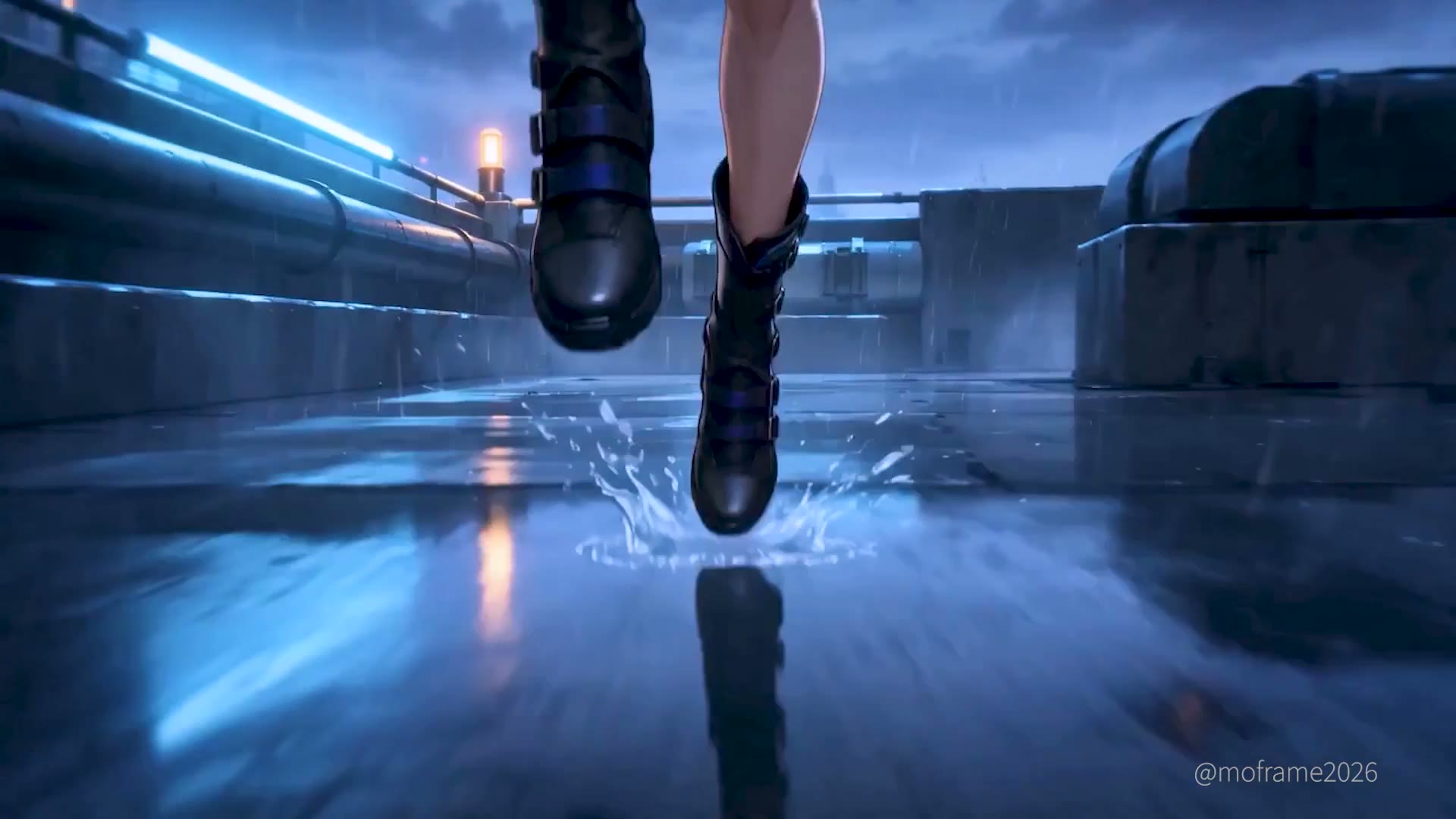
Parkour Rooftop Chase with Obstacles

Build a Blender parkour previs with obstacle interactions and evasive beats when Seedance otherwise defaults to straight running motion.

CASE 33Limit
Limits, Tests & Troubleshooting

Complex-Scene Motion Mismatch Test

Treat rough-scene MCP renders as a limitation test: complex Blender scenes can still drift from the intended motion even after multiple Seedance takes.

CASE 34Integration
Agentic Blender MCP

Fable Skill Ported into Codex

Have an agent build the Blender reference-video skill, port it into Codex, and test whether Seedance can clean up motion without any prompt text.

CASE 35Demo
Reference & Multi-Input Mapping

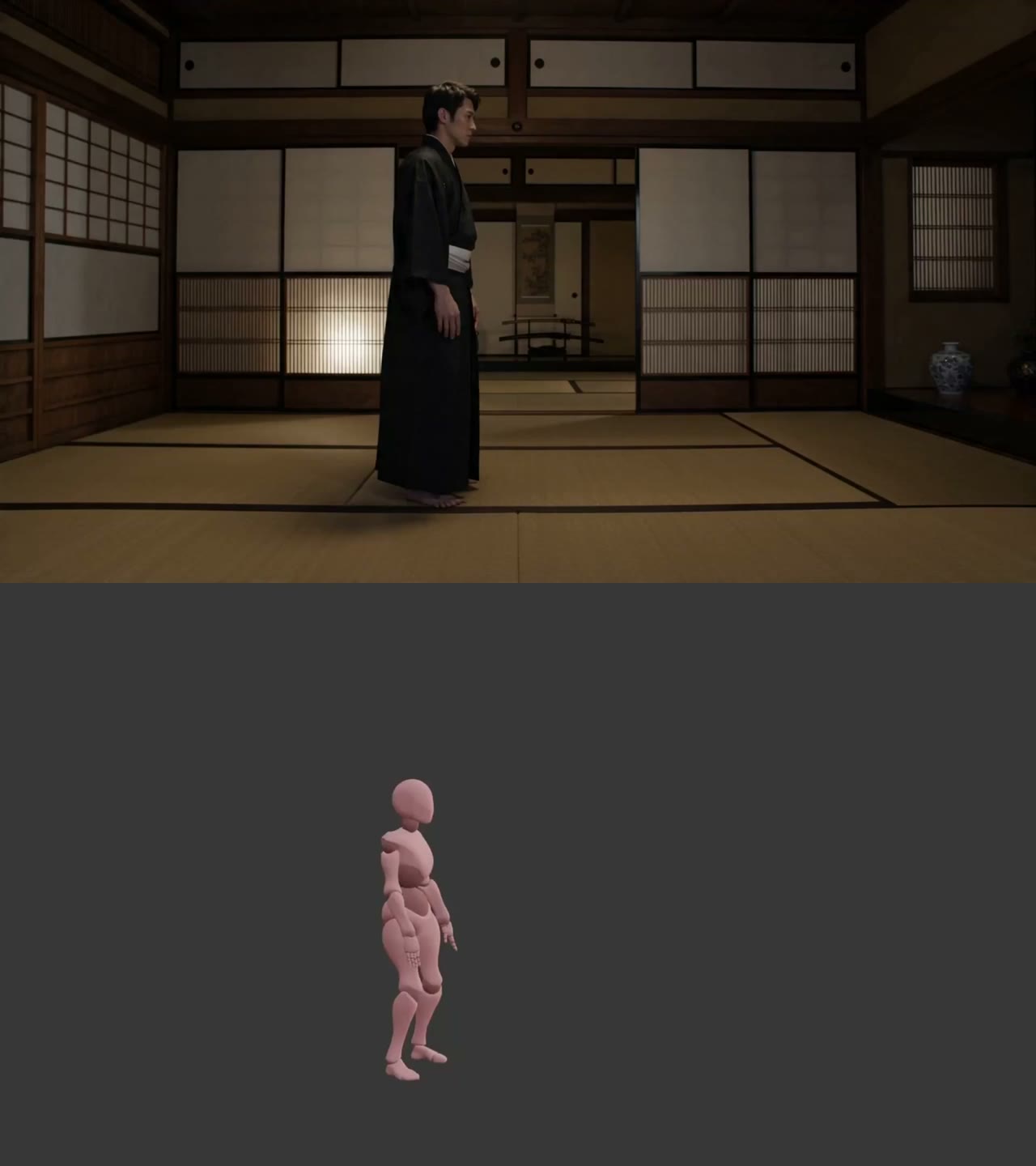
Mannequin Mocap with Styled Frame

Use a stiff Blender or mannequin motion source for timing, then steer Seedance's final style and cloth behavior through the input frame design.

CASE 36Integration
Reference & Multi-Input Mapping

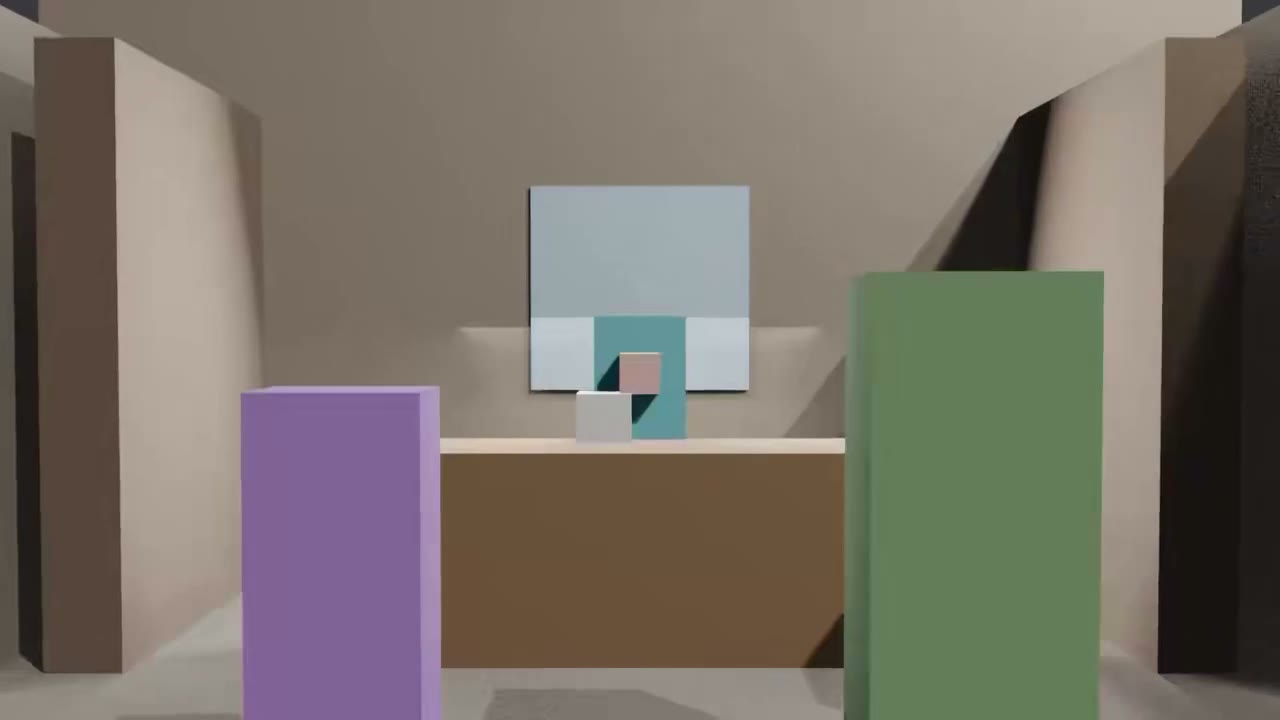
3D Marker Space for Character and Camera Control

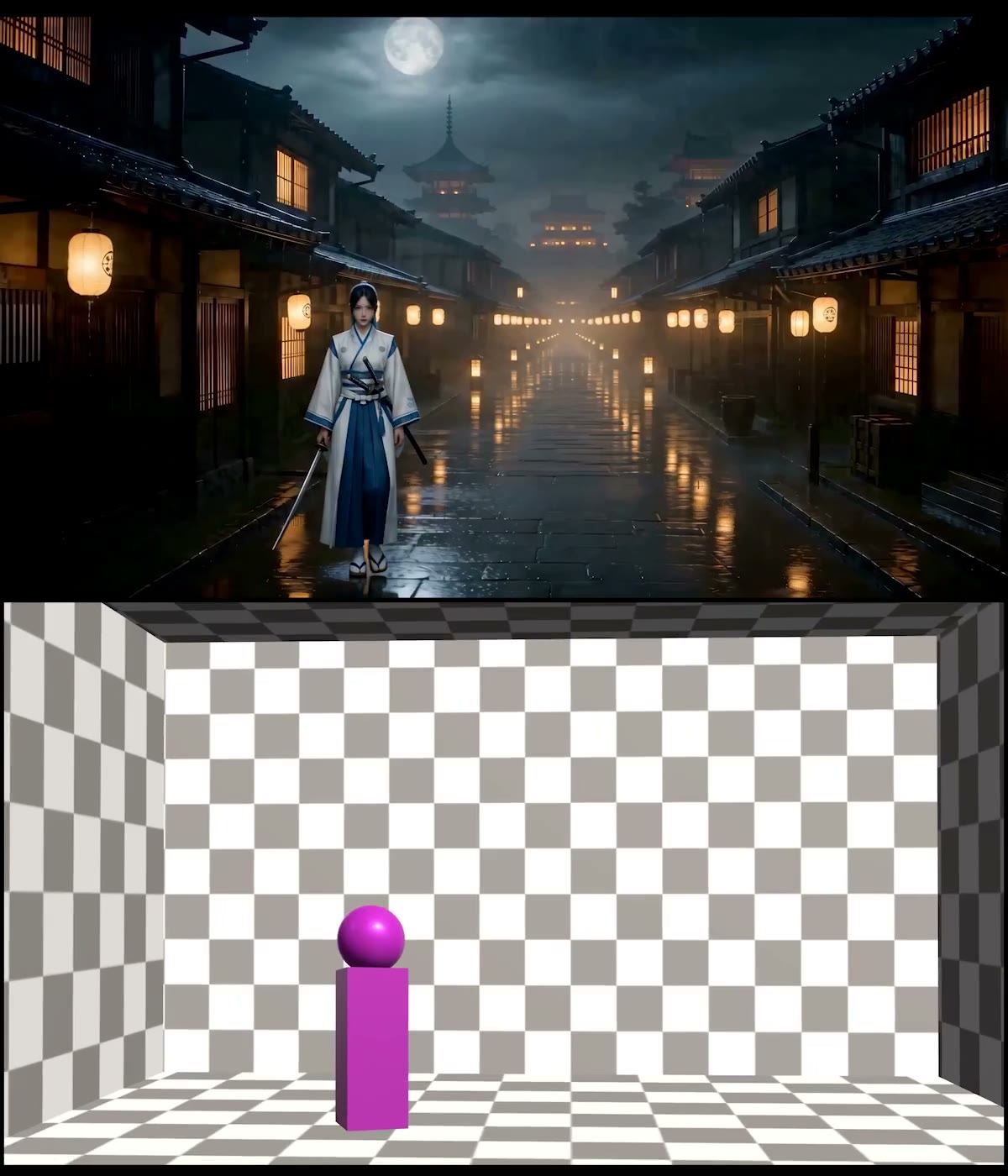
Use a Blender stage with positional markers as the reference layer so Seedance inherits where characters face, stand, and move relative to the camera.

CASE 37Evaluation
Camera Control & Previs

Focus-Shift Depth Test into Seedance

Test focus pulls and depth changes with a rough Blender scene first, then use the viewport render plus character sheet to see whether Seedance preserves the camera behavior you need.

CASE 38Benchmark
Character & Action Blocking

16-Camera Action Cut Transfer Benchmark

For action-heavy shots, keep Blender to camera layout and cut timing, then benchmark how much of that plan Seedance actually preserves instead of assuming exact fidelity.

CASE 39Demo
Character & Action Blocking

Eight-Character Orbit Shot with Video REF

Use a simple Blender previs as Seedance video reference when you need a long camera orbit to keep multiple characters coherent through a full take.

CASE 40Integration
Agentic Blender MCP

ClaudeCode Rough-Model Reference Workflow

Let ClaudeCode drive Blender MCP to build a rough model and camera pass first, then reuse that reference in Seedance when a scene needs targeted object placement instead of pure prompt exploration.

CASE 41Limit
Limits, Tests & Troubleshooting

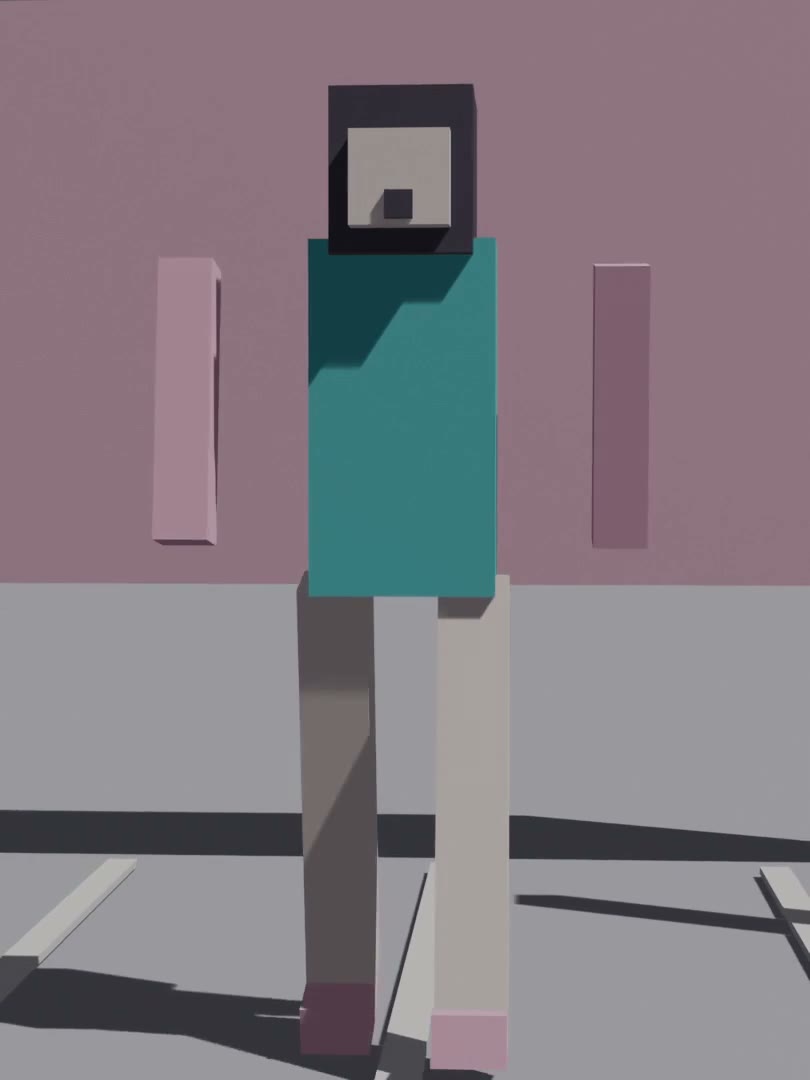
Simple Block Proxy Beats Detailed 3D

If detailed Blender geometry keeps leaking unwanted CG into the final shot, simplify people and props into proxy blocks so Seedance reads layout instead of appearance.

CASE 42Tutorial
Camera Control & Previs

ComfyUI Blender Camera Animation Workflow

Keyframe the camera in Blender first, then pass that motion into Seedance whenever previs-style shot control matters more than letting prompts guess camera movement.

BUILD THE WORKFLOW / 04

Turn previs into a generatable shot

Start with the EvoLink Blender-to-video cookbook, then submit your reference video through the same generation workflow.