What are Claude Skills?
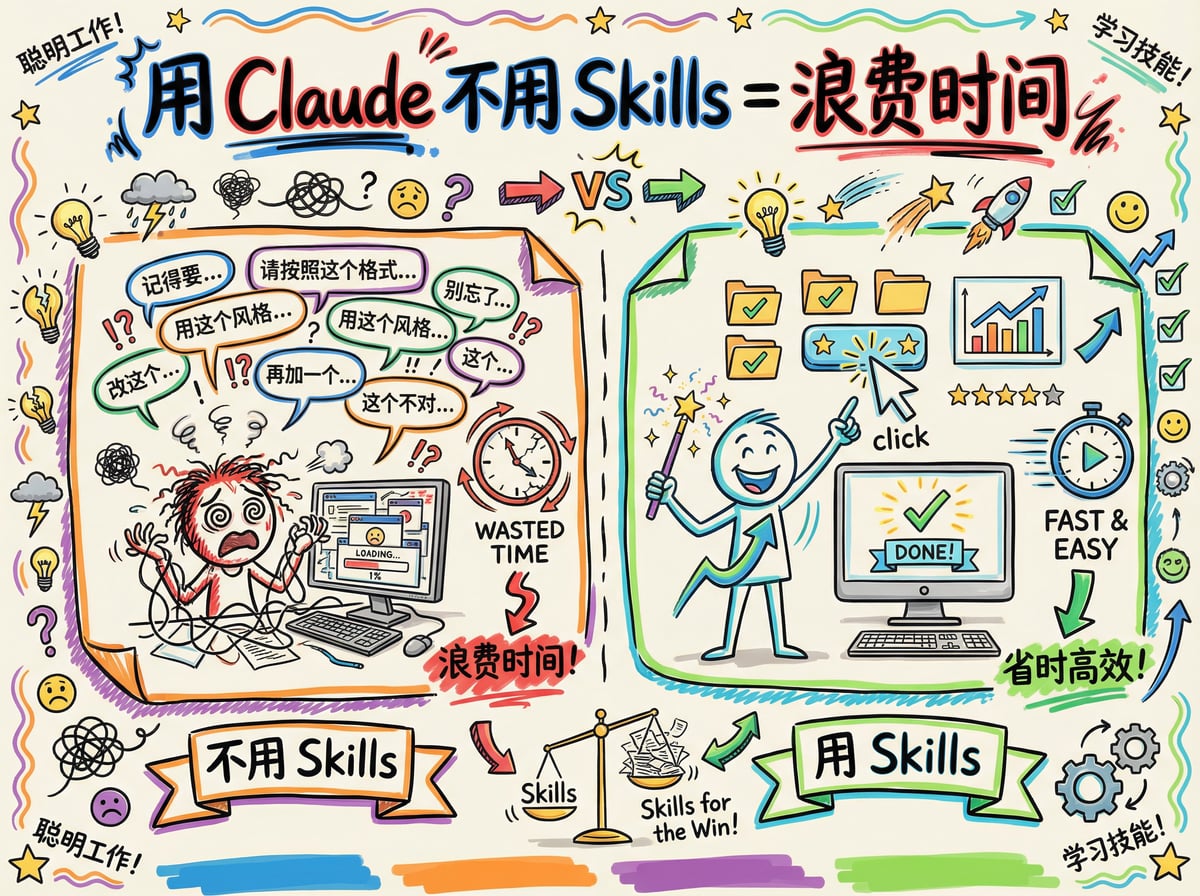
Imagine setting up a shortcut on your phone: one tap runs a whole series of complex actions. Claude Skills are exactly that. A Skill is a reusable "instruction template" that lets Claude remember your preferences, workflows or specific requirements. You no longer have to explain everything again in every conversation; just activate the right Skill and Claude works the way you set it up.
Simply put, Skills are like a "professional skill pack" for Claude, turning it into an assistant that understands your needs better.
Setup steps
Step 1: Turn on the Skills feature
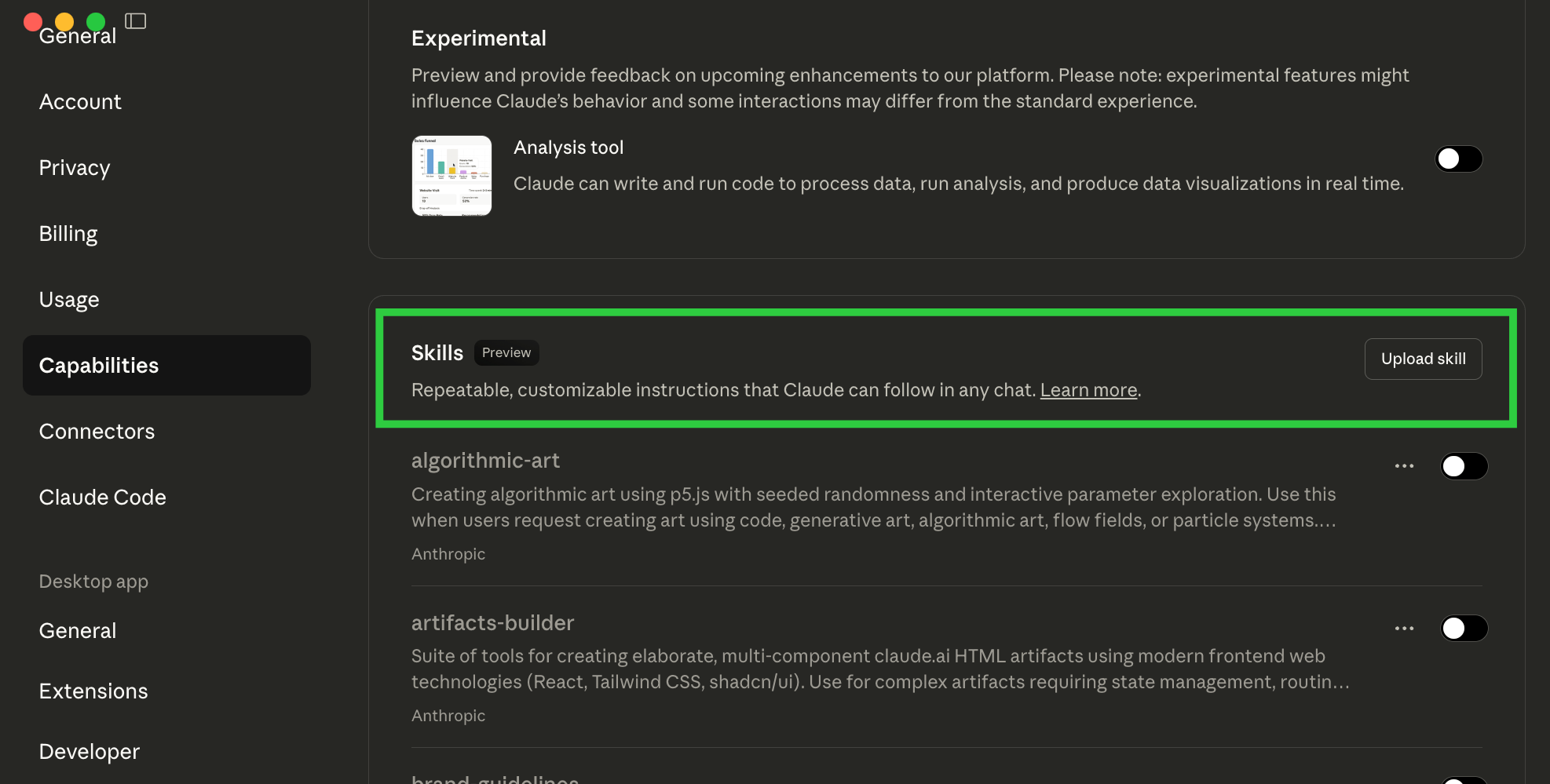
Go to Settings > Capabilities > Skills and make sure Skills is switched on.
Step 2: Start creating a Skill
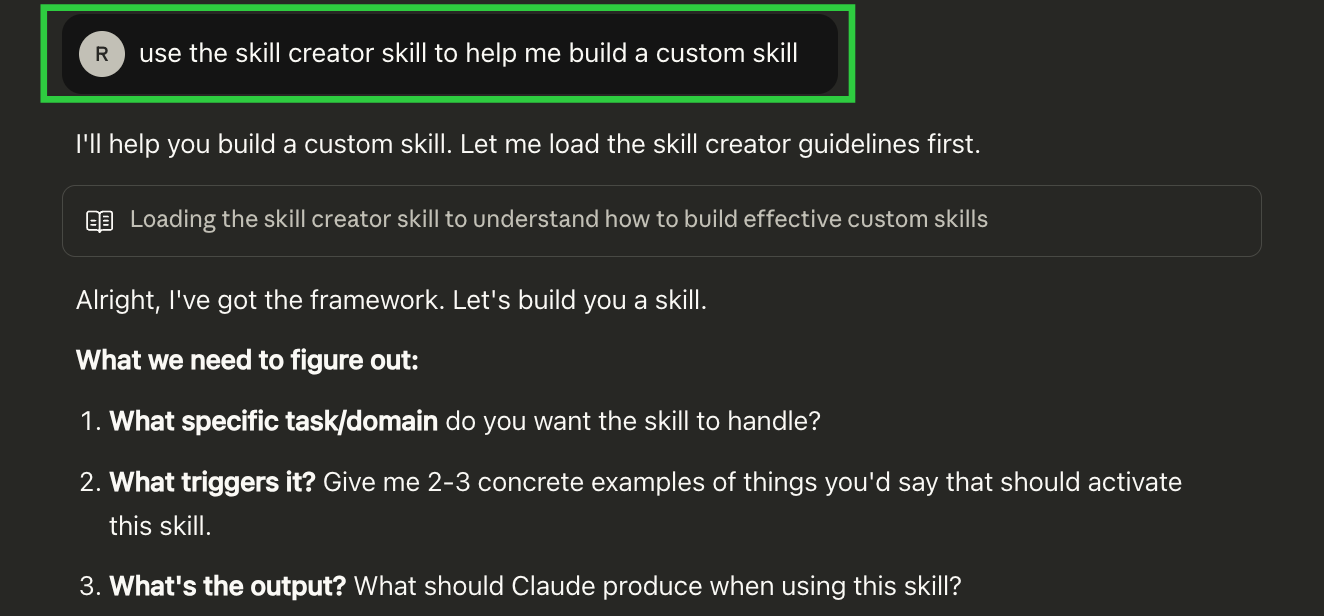
Open a new conversation and simply tell Claude "help me create a skill". Claude will call its built-in skill-creation guide and walk you through the whole process.
Step 3: Describe what you want it to do
Tell Claude in detail what this Skill should do. For example: "turn my meeting notes into a concise bullet list", or "reply to customer emails in a friendly tone". The more specific the description, the closer the generated Skill will be to what you need.
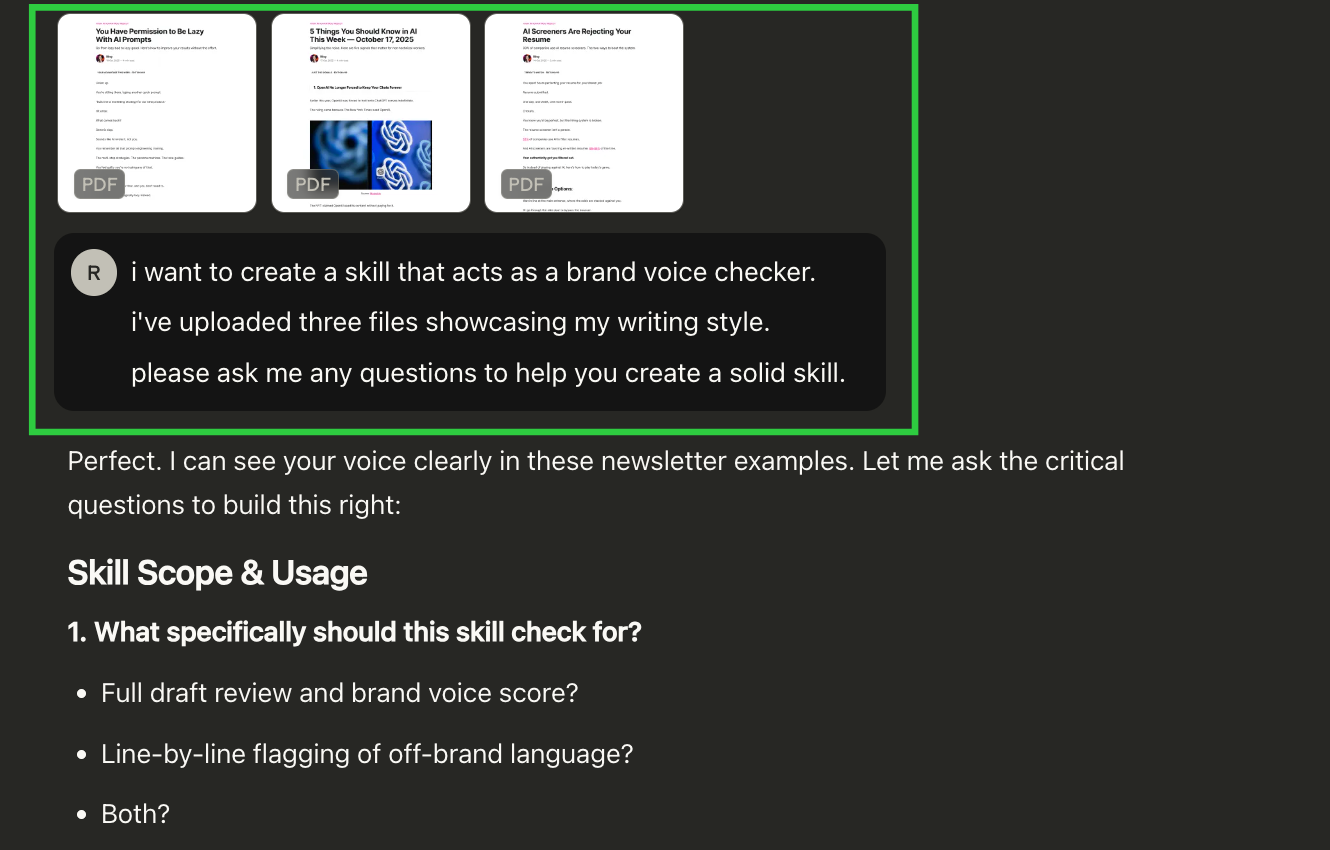
Step 4: Review what was generated
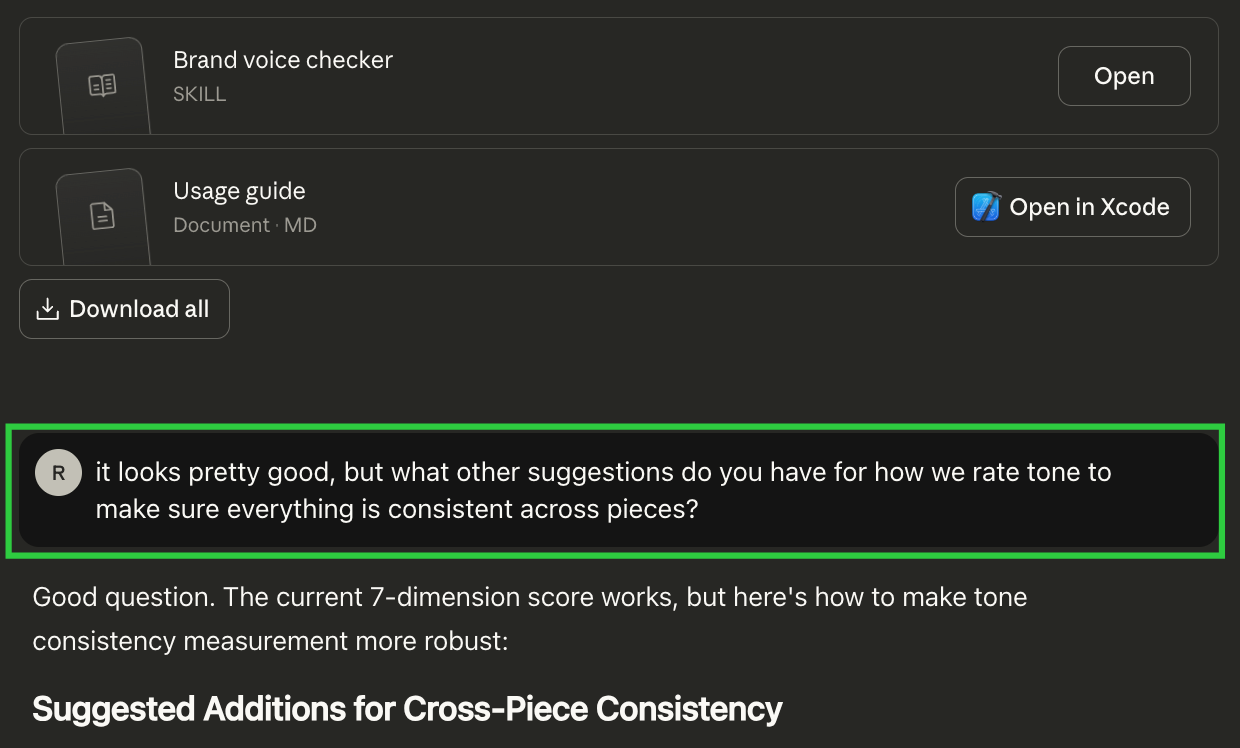
Claude will ask a few confirmation questions, then generate the complete Skill file and explain its contents and what to do next.
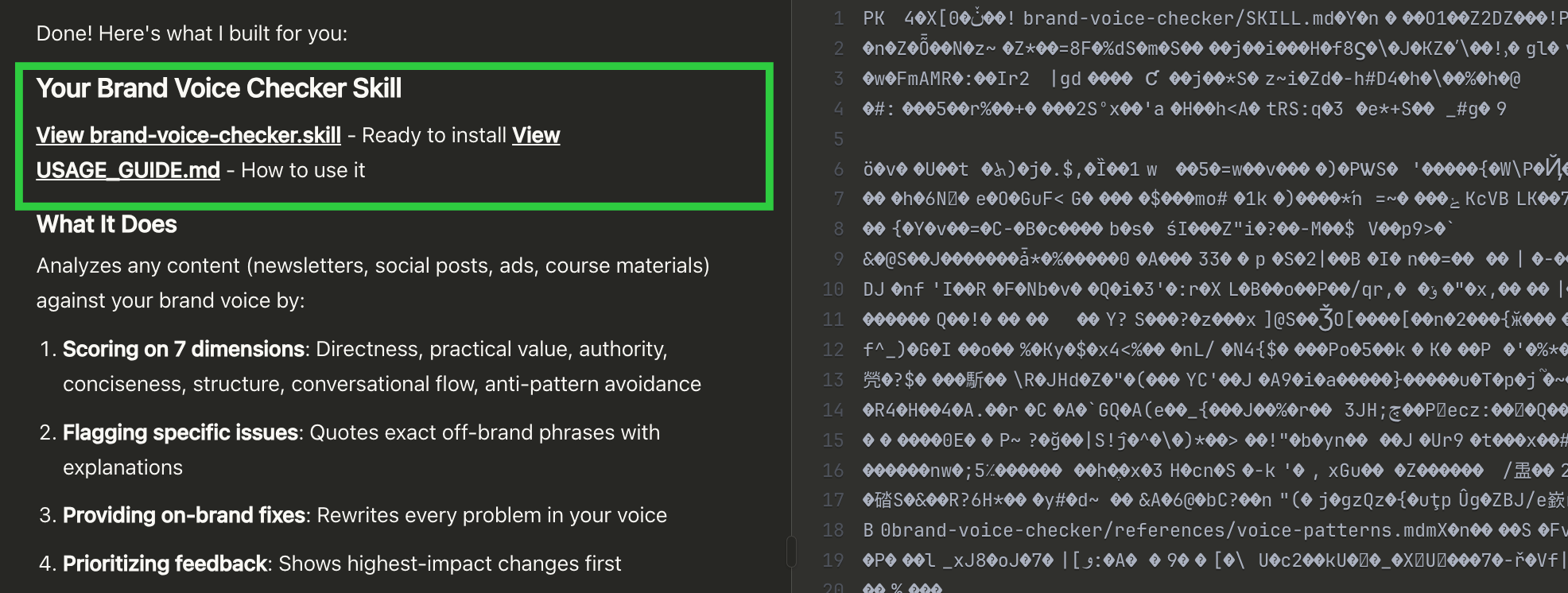
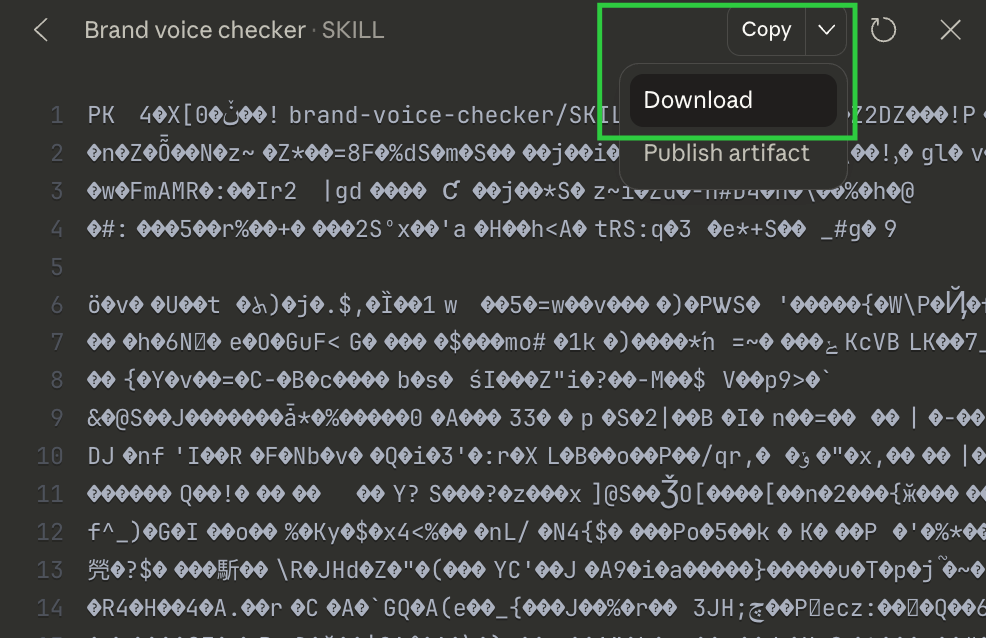
Step 5: Download the Skill file
Download the generated Skill file to your computer.
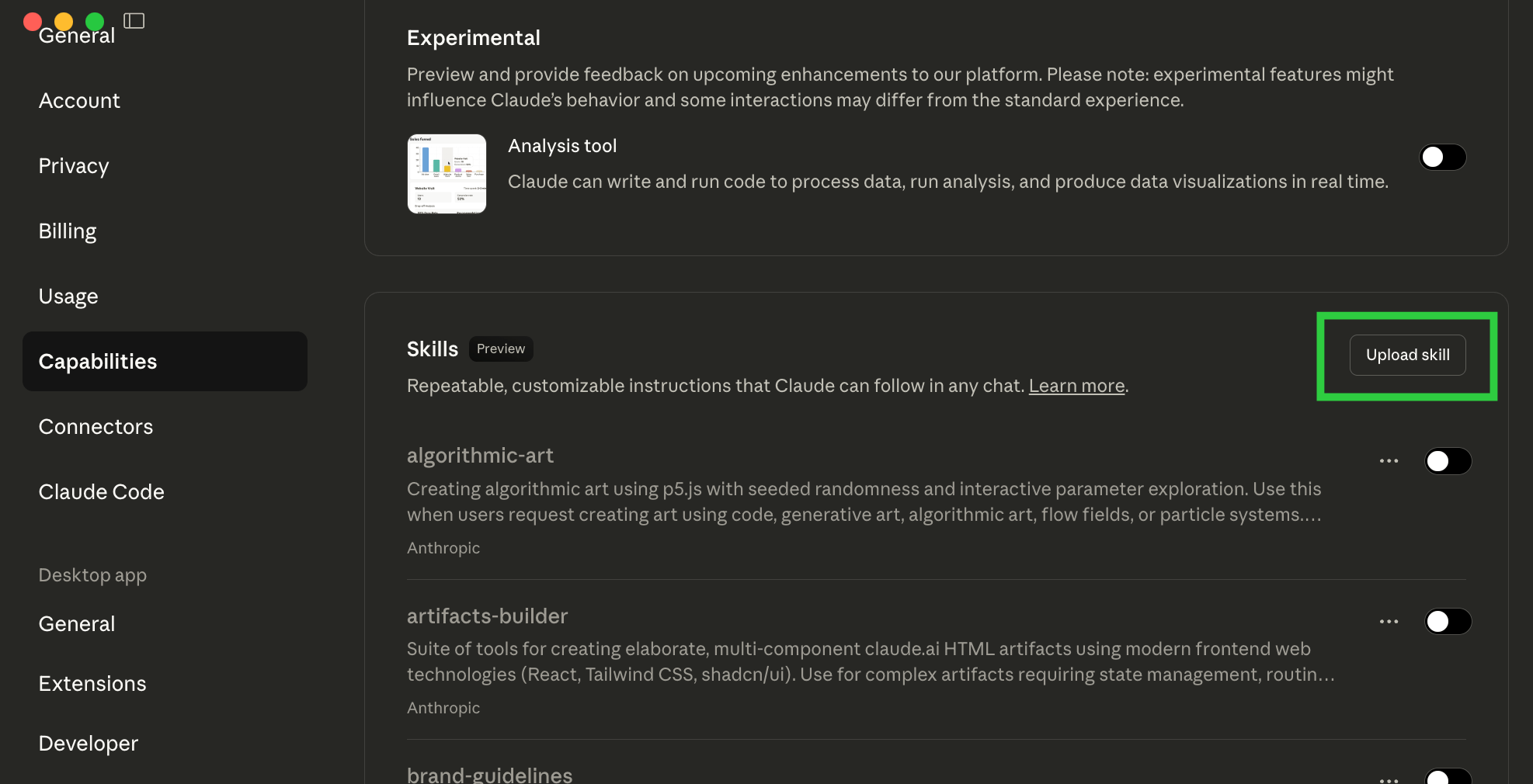
Step 6: Upload and activate the Skill
Go back to Settings > Capabilities > Skills, upload the file you just downloaded, then flip its toggle on to enable it.
Step 7: Test the Skill
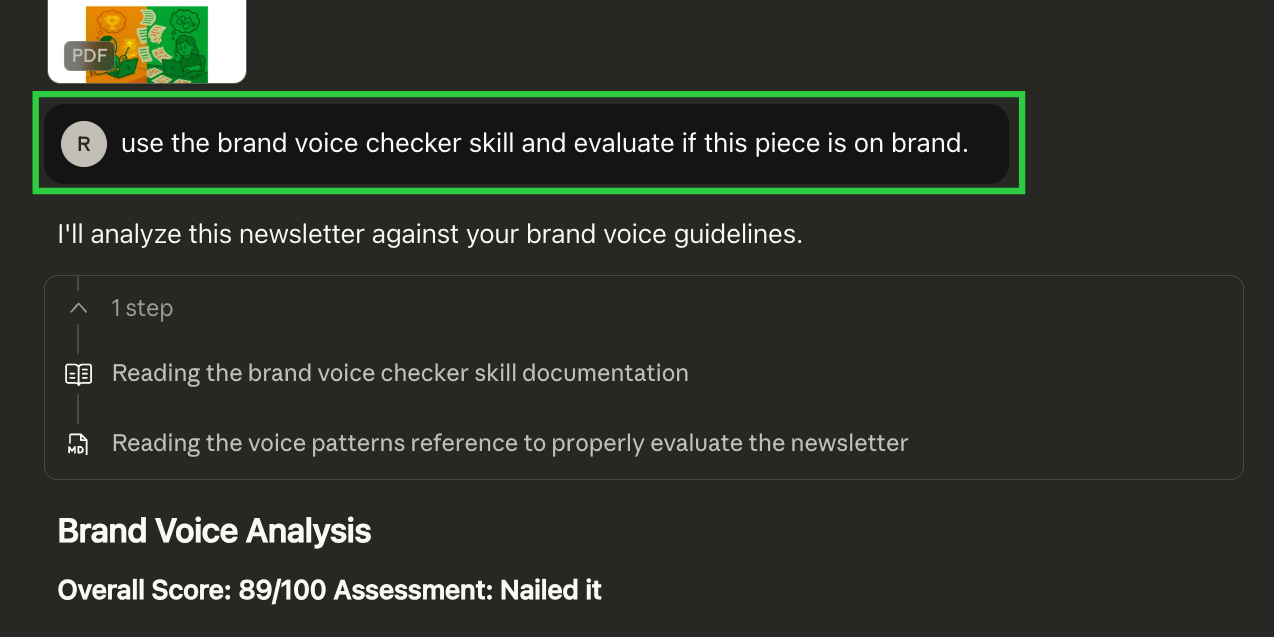
Open a new conversation and tell Claude to use the Skill you just created (just say the Skill's name) to check that it works as expected.
Step 8: Adjust as needed
If the result isn't what you wanted, go back to the conversation where you created the Skill and tell Claude what needs to change. Download the updated file, upload it again, switch off the old version and enable the new one.